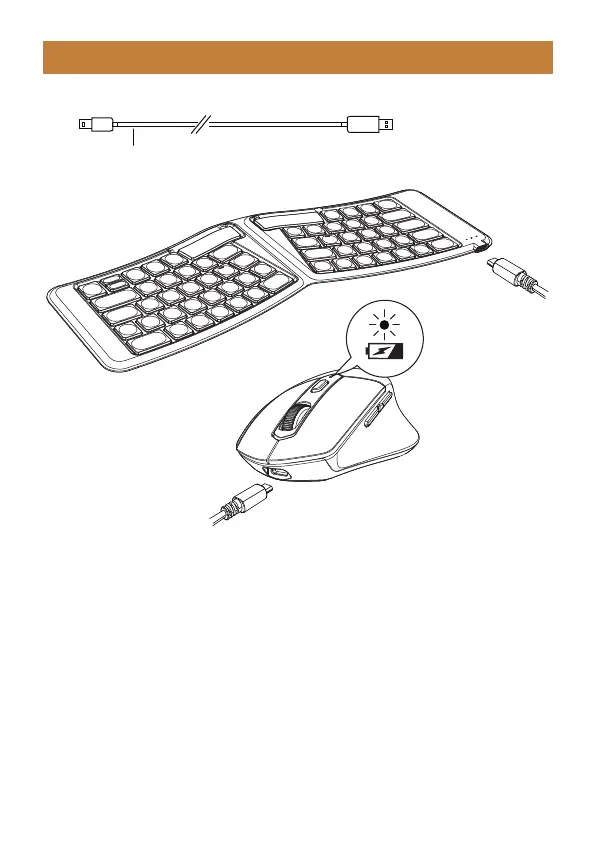
Type C Charging Cord
When the power of the keyboard and mouse is low, there will be a delay or lag,
which will affect normal use. Please use the Type-C charging cable to charge
the keyboard and mouse in time to function properly.
When low battery, the indicator light on the channel in use will flash until the
keyboard is turned off. The charging indicator will stay on red when charging,
and turn green once the keyboard is fully charged.
Charging Guide
- 6 -
Keyboard:
When low battery, the charging indicator will flash red. When charging, the
indicator stays red and turn green once the mouse is fully charged.
Mouse:



 To Next Page