Page 25 Thursday, September 22, 2005 10:22 AM
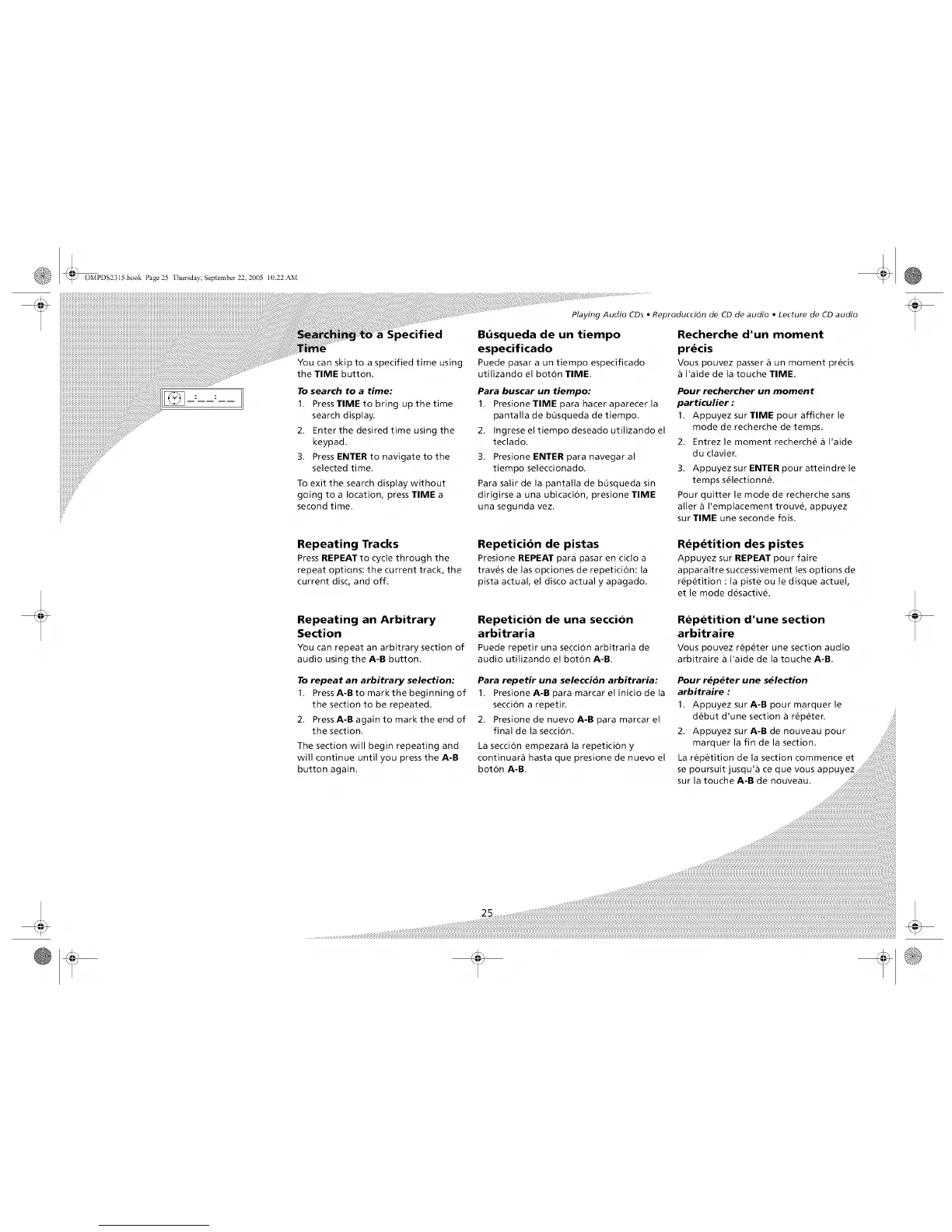
You can skip to a specified time using
the TIME button.
To search to a time:
1. Press TIME to bring up the time
search display.
2. Enter the desired time using the
keypad.
3. Press ENTER to navigate to the
selected time.
To exit the search display without
going to a location, press TIME a
second time.
Repeating Tracks
Press REPEAT to cycle through the
repeat options: the current track, the
current disc, and off.
Repeating an Arbitrary
Section
You can repeat an arbitrary section of
audio using the A-B button.
To repeat an arbitrary selection:
1. PressA-Bto mark the beginning of
the section to be repeated.
2. PressA-B again to mark the end of
the section.
The section will begin repeating and
will continue until you press the A-B
button again.
Playing Audio CDs • Reproduccidn de CD de audio • Lecture de CD audio
B,',squeda de un tiempo
especificado
Puede pasara un tiempo especificado
utilizando el bot6n TIME.
Recherche d'un moment
prdcis
Vous pouvez passer ,5un moment precis
I'aide de la touche TIME.
Para buscar un tiempo:
1. PresioneTIME para hacer aparecer la
pantalla de b0squeda de tiempo.
2. Ingrese el tiempo deseado utilizando el
teclado.
3. Presione ENTER para navegar al
tiempo seleccionado.
Para salir de la pantalla de bQsqueda sin
dirigirse a una ubicacion, presione TIME
una segunda vez.
Pour rechercher un moment
particulier :
1. Appuyez sur TIME pour afficher le
mode de recherche de temps.
2. Entrez le moment recherch_ a I'aide
du clavier.
3. Appuyez sur ENTER pour atteindre le
temps s_lectionn&
Pour quitter le mode de recherche sans
aller a I'emplacement trouv_, appuyez
sur TIME une seconde fois.
Repeticion de pistas
Presione REPEAT para pasar en ciclo a
trav_s de las opciones de repeticion: la
pista actual, el disco actual y apagado.
Rdpdtition des pistes
Appuyez sur REPEAT pour faire
appara;tre successivement les options de
r_p_tition : la piste ou le disque actuel,
et le mode d_sactiv_.
Repeticion de una seccion
arbitraria
Puede repetir una seccionarbitraria de
audio utilizando el bot6n A-R.
Para repetir una seleccidn arbitraria:
1. Presione A-B para marcar el inicio de la
secci6n a repetir.
2. Presione de nuevo A-B para marcar el
final de la secci6n.
La secci6n empezar_ la repetici6n y
continuar_ hasta que presione de nuevo el
bot6n A-B.
Repetition d'une section
arbitraire
Vouspouvez r_p_ter une section audio
arbitraire a I'aide de la touche A-B
Pour rdp_ter une sdlection
arbitraire :
1. Appuyez sur A-B pour marquer le
d_but d'une section a r_p_ter.
25 ,,,, ,,,,i¸illii_ii¸i¸ii!i¸!i!i!i!!i!!i!!i!i!i!!i!i!i!!i!!i!!i!i!i!!i!i!i!!i!!i!!i!i!i!!i!i!i!!i!!i!!i!i!i!!i!i!i!!i!!i!!i!i!i!!i!i!i!!i!!i!!i!i!i!!i!i!i!!i!!i!!i!i!i!!i!i!i!!i!!i!!i!i!i!!i!i!i!!i!!i!!i!i!i!!i!i!i!!i!!i!!i!i!i!!ifill!!i!!i!!iiill!!ifill!!i!!i!!iiill¸!i!i!i¸!i¸!i¸!i!i!i¸!i!i!i¸!i¸!i¸!i!i!i¸ill¸i¸i¸ill¸ill¸i¸i¸ii_iii_i_i_iii_iii_i_i_iii_iiiiii¸illiiiii¸ill¸i¸i¸iii¸iii¸i¸i¸iii¸iiiiiiiiiiiiiiiiiii,,,,,,,,,,,,,,,,,,,,,,,,,,,,,,,¸,................................................................


 To Next Page