ENGLISH 13
Cutting Characters
TIP: All letters in a font set are cut in proportion to the Key Height Character. This is
usually the tallest character in a set. Refer to the handbook of each font cartridge
to determine the Key Height Character. For other character sizing, see “Advanced
Operations” on page 14.
Cutting Your Selections
Removing Your Characters from the Cutting Mat
TIP: To extend the life of your cutting mat, always cover it with the protective cover
and never leave paper on it for an extended period of time.
Size Dial
If cutting in Landscape or default mode, use the
Size Dial to choose one of the size settings rang-
ing from .25" (.64 cm) to 5.5" (13.97 cm). If cutting
in Portrait mode, use the Size Dial to choose one
of the size settings ranging from .25" (.64 cm) to
11.5" (29.21 cm).
The selected size will determine the height of
your nished cut. The selected size will be dis-
played in the window next to the Size Dial.
Although the full size setting range is available
no matter the size of the paper, be sure to
select a size that will t on the material you are
using (a warning message will display on the
LCD screen if your size setting is too large).
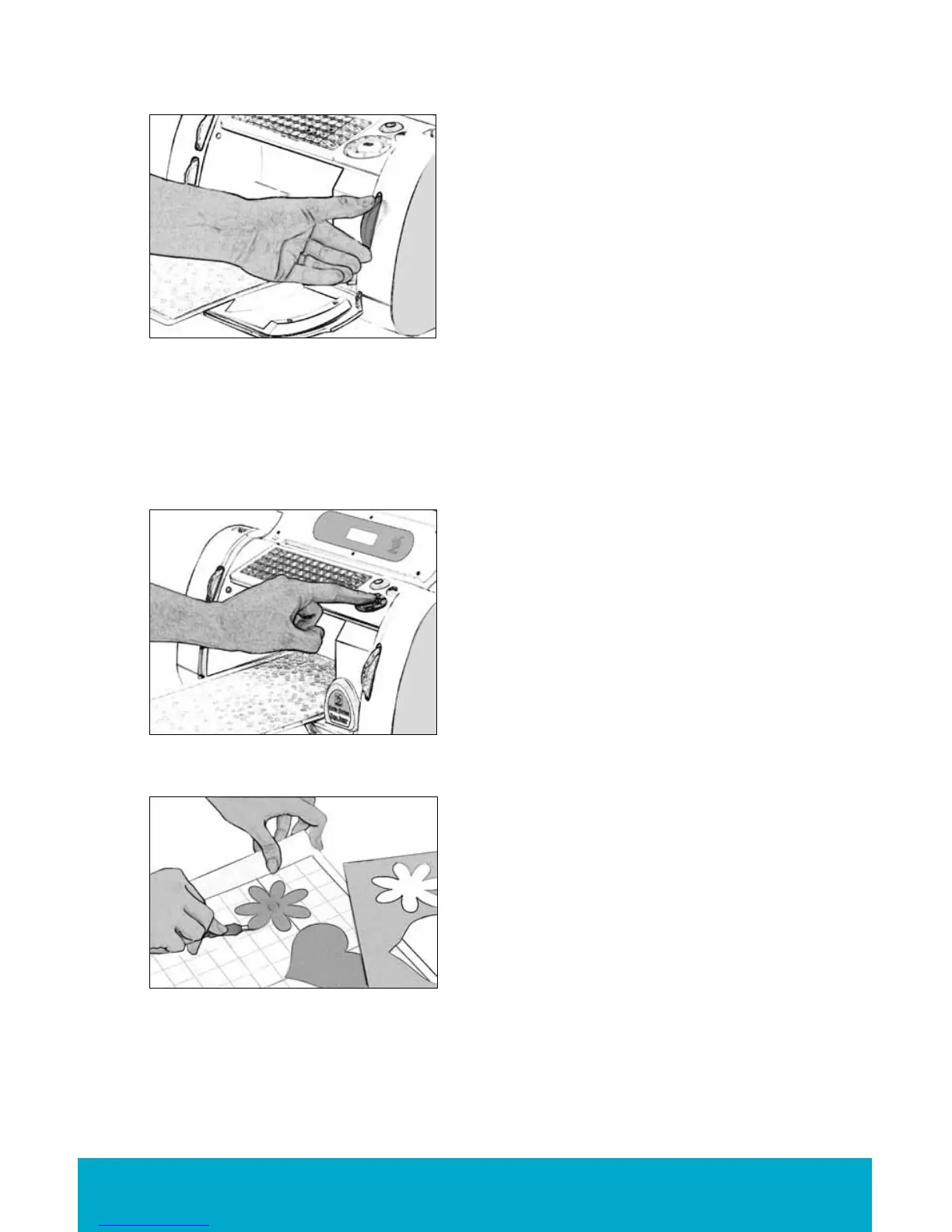
Press the CUT button.
The STOP button, located adjacent to the CUT
button, will stop any operation in progress.
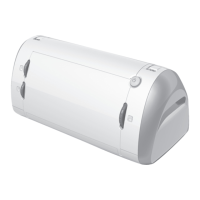
When the Cricut Create machine is nished cut-
ting, press the Unload Paper key on the
keypad to eject the cutting mat and paper
from the machine.
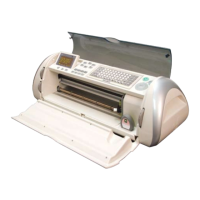
Gently remove images from the cutting mat. If it
is difcult to remove the characters, use a craft
knife or the Cricut Tools™ (sold separately) to
carefully lift the images. Once all characters are
removed, clean off any small scraps of paper
remaining on the cutting mat. This will improve
cutting mat performance in the future.


 To Next Page