Tsunami
®
800 and 8000 Series - Hardware Installation Guide 23
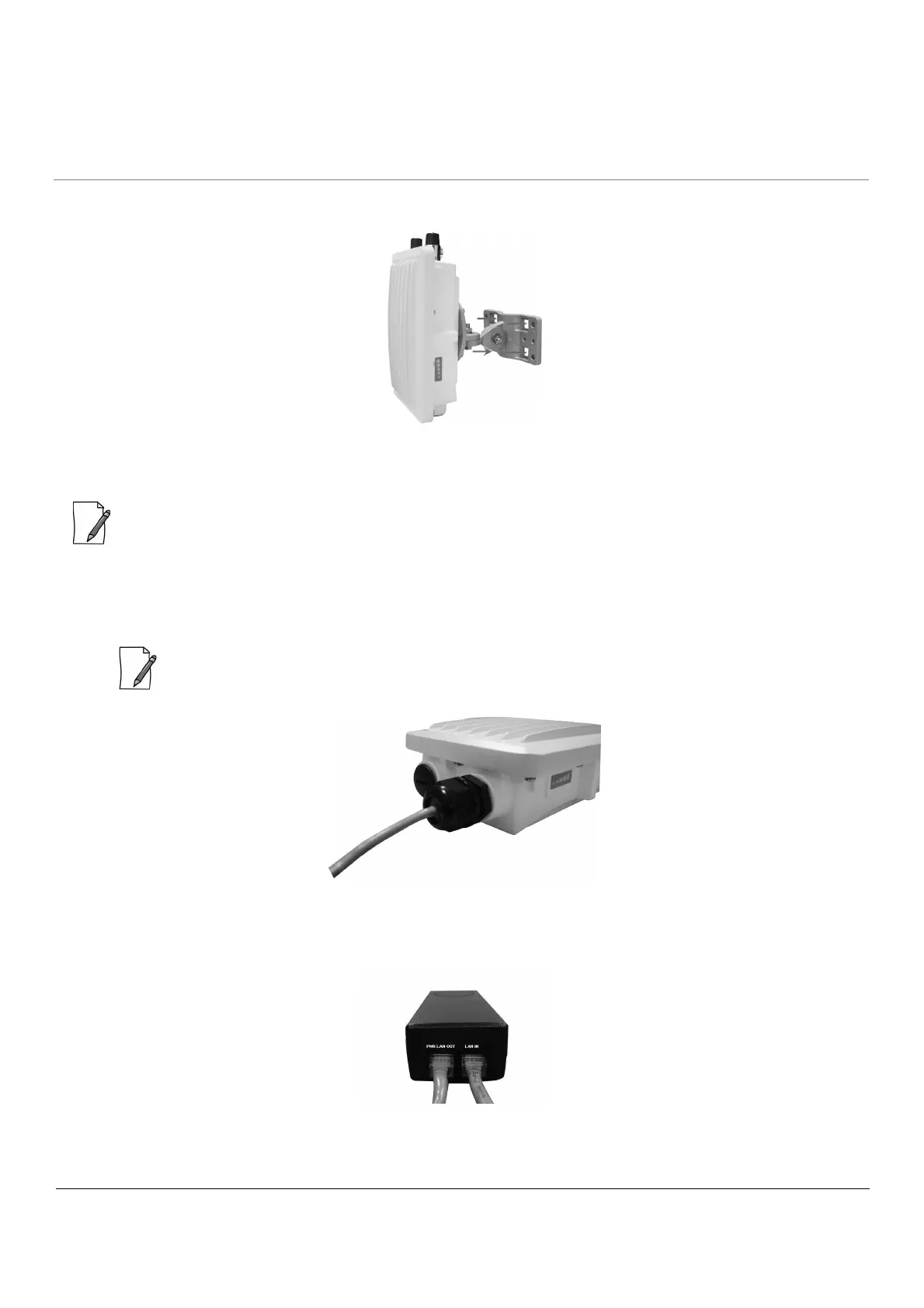
2. To wall-mount the device, mount the bracket (C) to a wall using 4 screws (not provided), as shown:
Figure 2-7 Wall Mounting
Step 8: Plug in the Cables
: Unscrew the sealing cap for installation of the cable.
1. Plug one end of the straight-through Cat5e/Cat6 cable into the Ethernet Port of the device by following the
Weatherproofing steps as explained in Step 5. Connect the other end of the cable into the PWR LAN-OUT port on
the PoE Injector.
: Always use a straight cable from PoE to the device.
Figure 2-8 Cable Plugged In
2. Optionally, connect a RJ11 to DB9 Serial Connector to device’s Serial Port for debugging and management, and GPS
Sync.
Figure 2-9 PoE Injector


 To Next Page
 Loading...





