Tsunami
®
800 and 8000 Series - Hardware Installation Guide 35
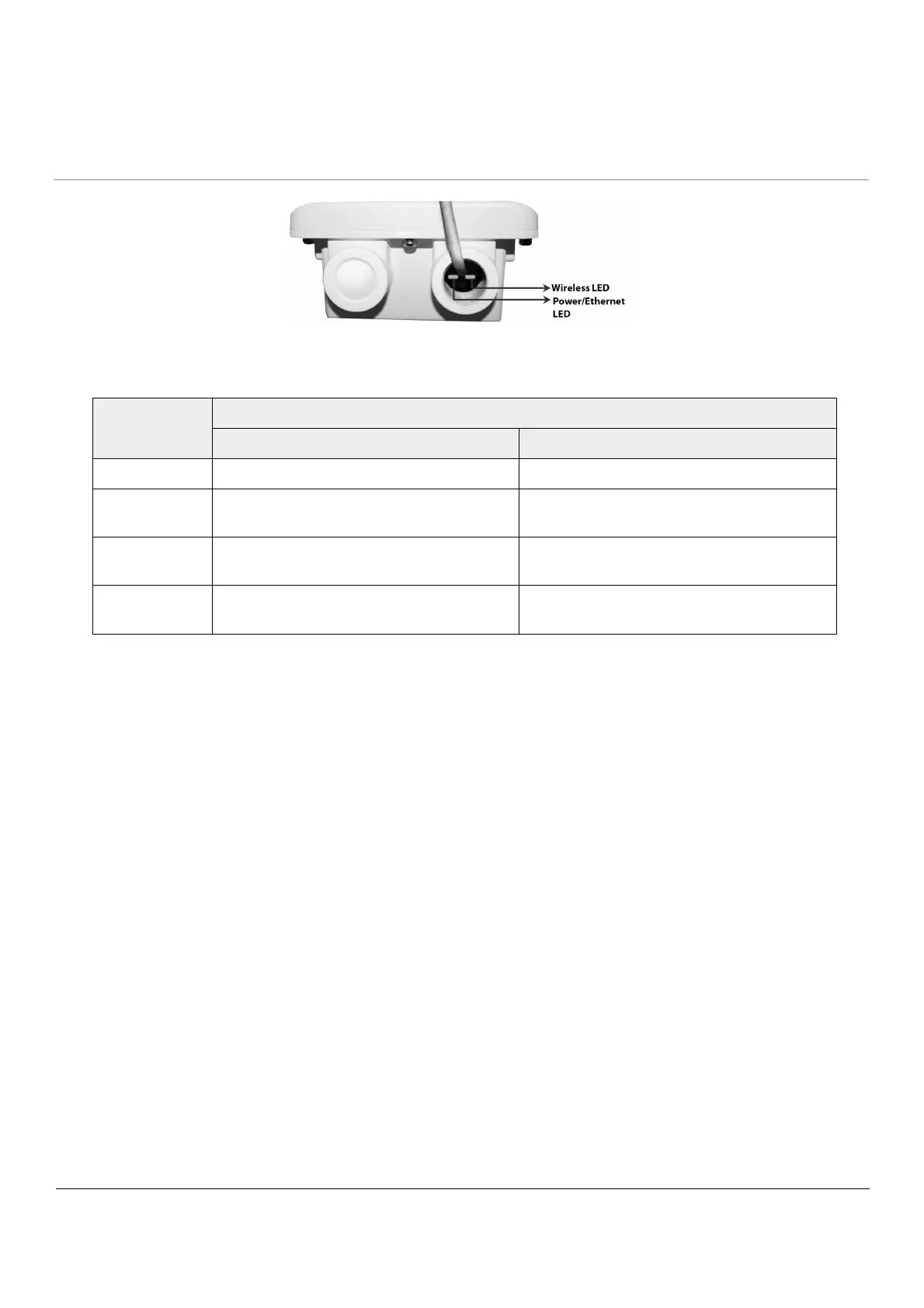
Figure 2-19 LED Indicators
The following table describes the status of LED:
LED State Ethernet Interface
Power/Ethernet LED Wireless LED
Off No Power Radio is not present or failed to detect
Amber No Application Image detected (ScanTool
mode)
Power is ON and device detects Reload signal
Blinking Green Power is ON and the Ethernet link is DOWN Radio is detected but wireless link has not
been established yet
Solid Green Power is ON and the Ethernet link is up Radio is detected and wireless link has been
established



 To Next Page
 Loading...






