EN
11
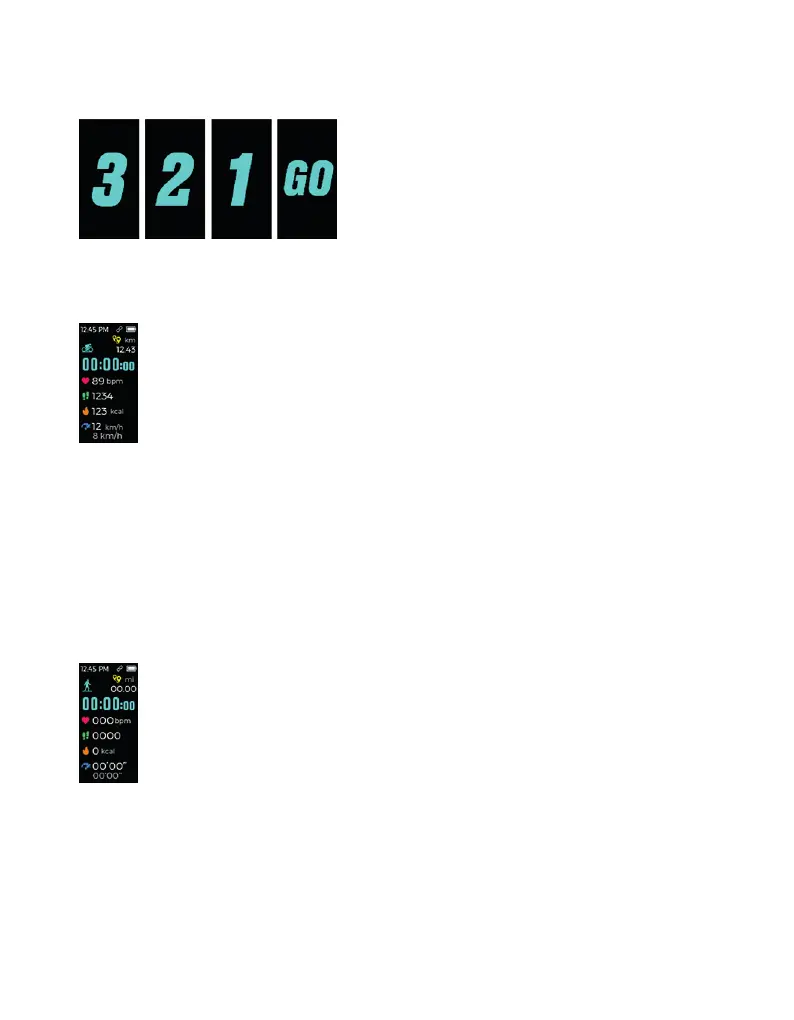
Hint to Start Sports Mode
After the “3 - 2 - 1 - GO” countdown, you will access the Workout in Progress screen.
Workout in Progress
• Distance
• Time
• Heart rate
• Steps
• Calories
• Average pace
• Pace / Speed
Tap the touch key to switch between screens on the Workout in Progress screen. Press and
hold to quit the screen.
Hint to Quit Sports Mode
If your workout lasts less than 1 minute, the data will not be saved. Tap to return to the main
screen of the Sports Mode.
If your workout lasts longer than 1 minute, the activity data will be displayed.
Tap to see the following information:
• Distance
• Time
• Heart rate
• Steps
• Calories
• Average pace



 To Next Page