EN
12
Notications when working out
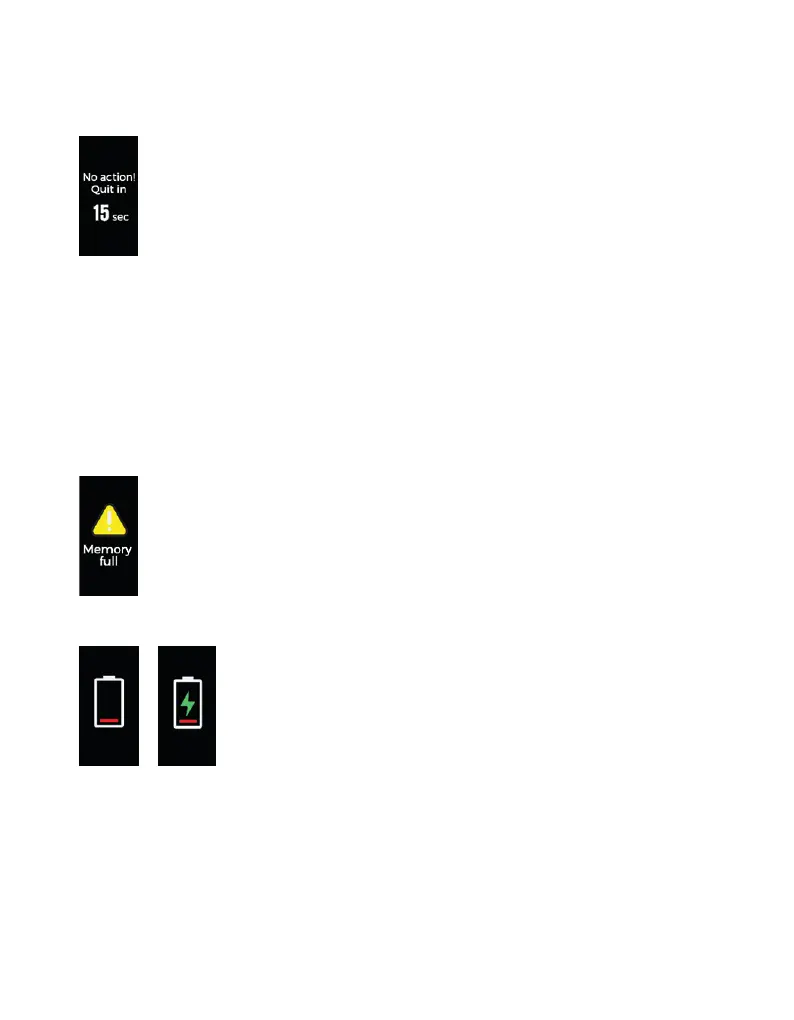
a) Quitting the Sports Mode notications after a period without activity.
Tap to cancel the notications:
• If there is no activity within a period of 15 minutes, there will be a notication 15 seconds
before Sports Mode quits.
• If you resume the physical activity, this notication is canceled.
• If no operation is carried out, the Smartband will quit the Sports Mode automatically, as
soon as it nishes the 15-second countdown.
b) Quitting the Sports Mode notications due to insufcient memory
Tap to close the notications.
When the memory is full of activity data, the user will be asked to quit the Sports
Mode.
c) Quitting the Sports Mode notications due to low battery
Tap to close the notications.
If the Smartband is running out of battery, Sports Mode will be
paused.



 To Next Page