4-21
VIBXPERT 11.2010
Printing
* only for balancing reports
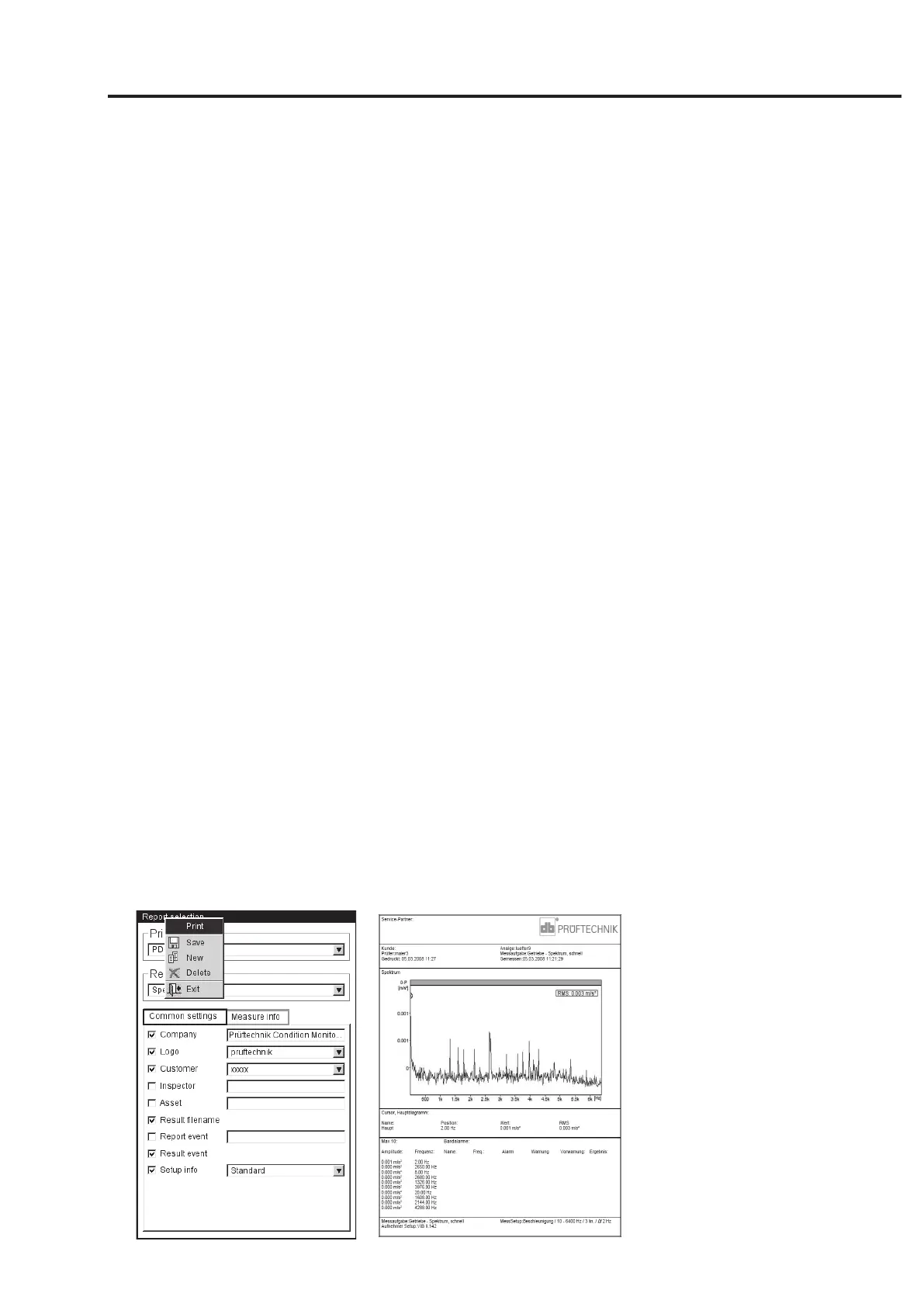
REPORT EVENT: Report-specific event. Click in the text field to open the
event editor and select the event.
R
ESULT EVENT: The result-specific events are assigned and stored
during measurement. Here you can only set whether or not they
should print.
S
ETUP INFO: Information on the measurement settings to be used.
Three options are available for selection:
- Standard: The name of the measurement and sensor setup is
printed.
- Standard + evaluation: Like Standard, plus evaluation setup or
machine setup*.
- Details: Like Standard + evaluation, plus a screen printout of each
setup.
• In the ‘Measure info’ tab, select the measurement type information
that is to appear in the measurement report (compare example on
previous page).
Printing out the measurement report
• Select the printer and the report configuration (‘Printer’ or
‘Reports’ field).
• Press the MENU key.
• Click on ‘Print’ (see below).
If you select 'PDF' as the printer, enter a file name.
Left:
Printing out the
measurement report
Right:
Measurement report
for the spectrum



 To Next Page