6-3
VIBXPERT 11.2010
File Manager
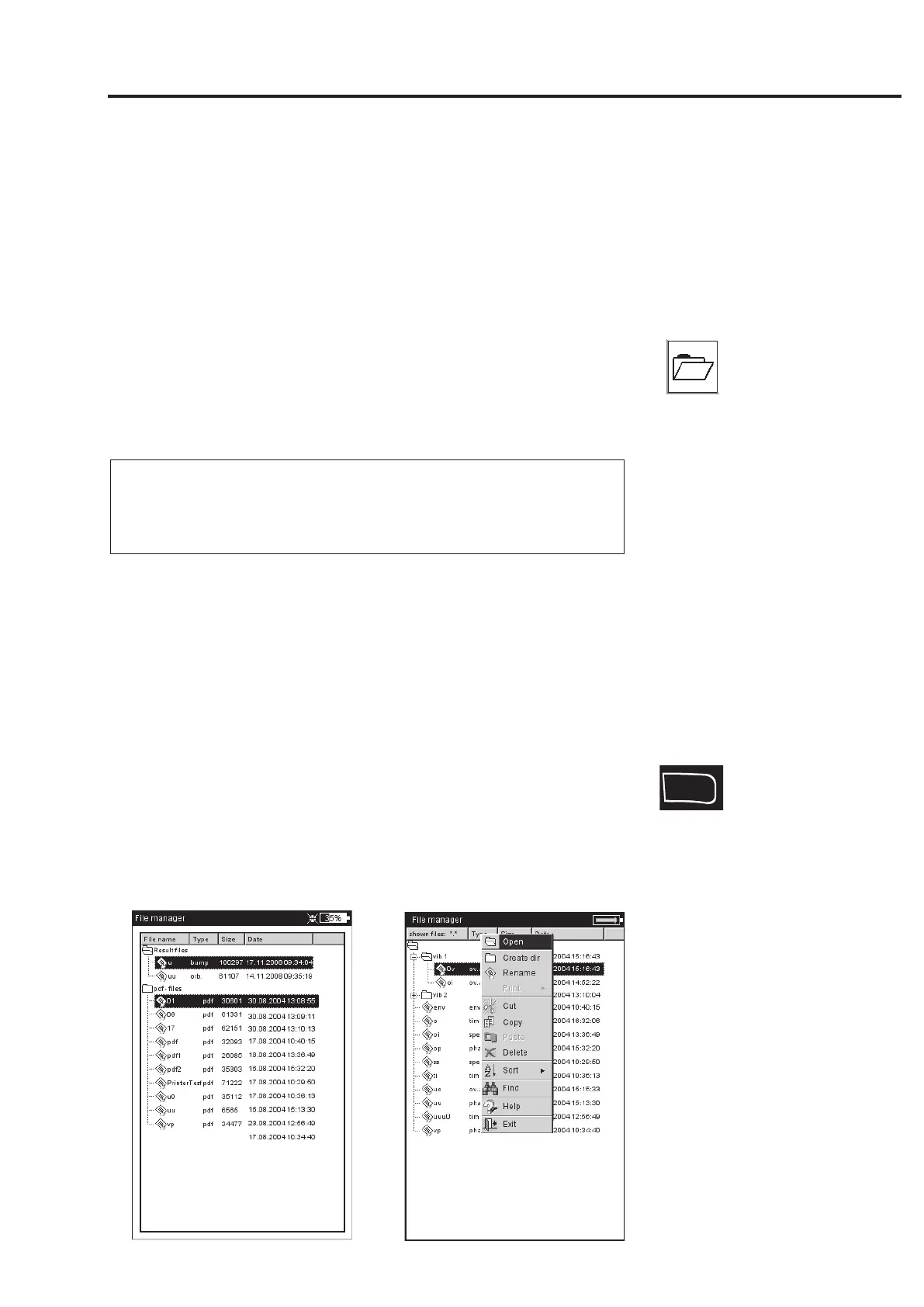
The File Manager administrates the measurements which were saved
in the 'Multimode' and 'Balancing' operating modes. In the 'PDF files'
folder you will find the print files generated in the PDF format. You
can print out or delete these here.
The File Manager is opened by ...
... clicking on the 'File Manager' icon in the start screen.
... selecting the 'Load file' menu option in the Multimode Measure-
ment Task screen.
... saving a measurement result.
For opening and saving, only the files of the current measurement
type are displayed (e.g. overall value - vibration acceleration). If
you open the File Manager from the start screen, all files are
displayed (see below).
Functions of the MENU key
S
AVE: Saves the measurement result.
O
PEN: Opens the highlighted file
C
REATE DIR: Creates a new folder
R
ENAME: Renames a file/folder
P
RINT: Prints out a PDF file
C
OPY, PASTE, CUT: Copies, inserts, moves file/folder via the clipboard.
D
ELETE: Deletes a file/folder
S
ORT: Sorts files by name, by time or by type.
F
IND: Searches a file/folder. Enter the complete name or the first
letter of the name. Call up the search function with the F key.
Appendix - file manager
Note
F
Left:
File Manager
contains result files and print files (PDF)
Right:
Open File



 To Next Page