Need help?
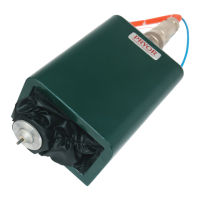
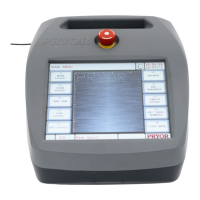
Do you have a question about the Pryor Marktronic InDot 50-25 E and is the answer not in the manual?
Instructions for physically setting up the machine on a workbench or base.
Guides users through setting machine modes and enabling hardware options.
Identifies potential risks during machine operation and necessary precautions.
Troubleshooting common issues with the controller's screen and power.
Diagnosing problems with the marking head movement and punching.
Tables detailing common mechanical faults and their solutions.
 General
| Model | InDot 50-25 E |
|---|---|
| Manufacturer | Pryor |
| Category | Industrial Equipment |
| Marking Area | 50mm x 25mm |
| Technology | Dot Peen Marking |
| Power Supply | 110-240V AC |


 To Next Page