Installation and Operating Instructions
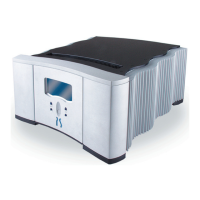
AV-3000 and AV-5000 Power Centers
2.6.1.3 Control Panel – Infrared Codes
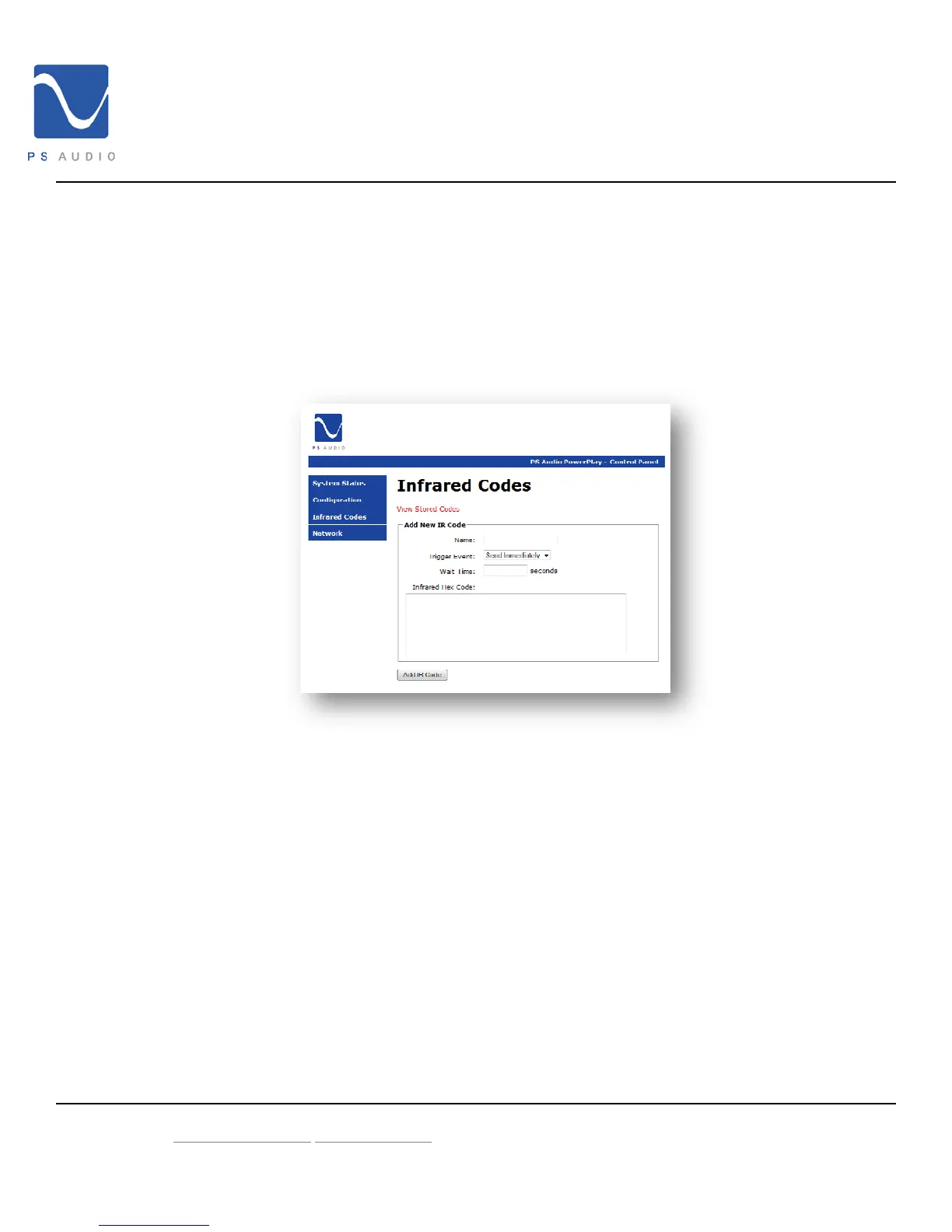
The Infrared Codes page allows you to setup your PS AV Power Center to issue IR
commands to any connected device as if you were standing there with the original
remote for the device. In order for this feature to work you must integrate your PS AV
Power Center with an IR distribution system.
To add a new IR command click on Add New Code
1. Enter a name for the command you wish to setup.
2. Choose how you would like to trigger the event from the available options in the
Trigger Event dropdown menu.
3. Cut and paste or type the desired hex code into the form.
4. Click Add IR Code button to save the command
5. Repeat for each code you wish to send.
To view and/or modify stored codes click on View Stored Codes. Commands may be
edited as outlined above.
4826 Sterling Drive, Boulder CO 80301 15-052-21-1 Rev B
PH: 720.406.8946 service@psaudio.com
www.psaudio.com
©2009 PS Audio International Inc. All rights reserved.



 To Next Page