8
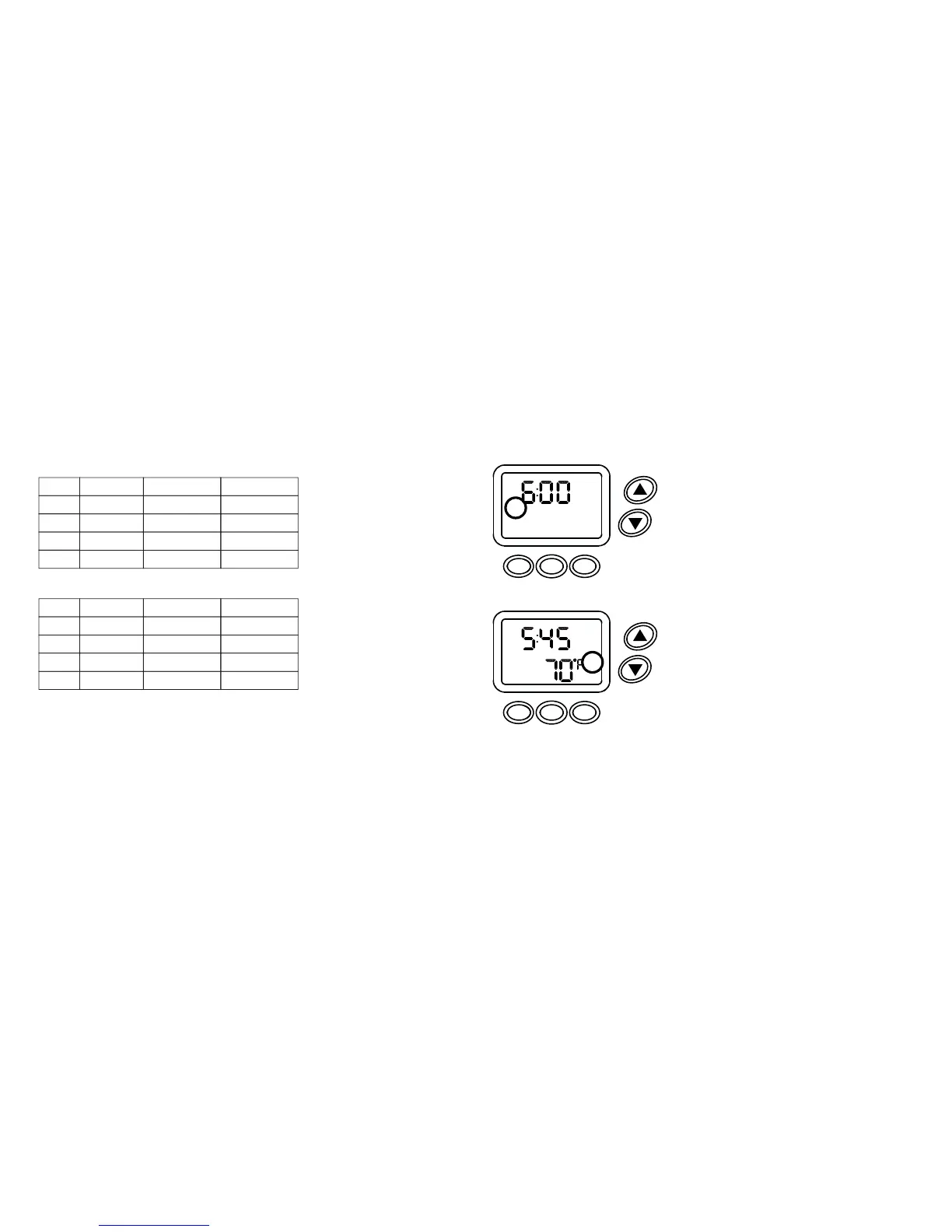
Default Preprogrammed Events Schedule
Event time
Monday thru Friday
6:00 AM
6:00 PM
Heat setpoint
70°F
70°F
Cool setpoint
75°F
75°FReturn
10:00 PM
62°F 78°F
Sleep
8:00 AM
62°F
83°F
Leave
Wake
Event
Event time
Saturday and Sunday
8:00 AM
6:00 PM
Heat setpoint
70°F
70°F
Cool setpoint
75°F
75°FReturn
11:00 PM 62°F 78°FSleep
10:00 AM
62°F
83°F
Leave
Wake
Event
SPECIAL NOTE:
When changing the preprogrammed events schedule, event times are not
permitted to overlap each other. PRESS the FAN button two times to adjust the
next event time. PRESS the MENU button to return to the previous event time.
9
Programming 5-2 Event Schedule
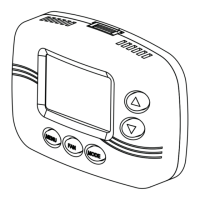
1. PRESS and hold the FAN and MODE buttons
until PSCH and 52 appears on the display.
2. PRESS the FAN button to continue.
Wake is the current programmable event.
The display will appear as shown (Figure 1).
3. PRESS the up or down arrow button to set the
desired (WAKE) time, in 15 minute increments.
4. PRESS the FAN button to continue.
Setpoint temperature and HEAT or COOL will
appear on the display (Figure 2).
5. PRESS the up or down arrow button to set the
desired heating or cooling temperature.
6. PRESS the MODE button to change from heat
to cool or vice versa.
7. PRESS the up or down arrow button to set the
desired heating or cooling temperature.
MON TUE WED THU FRI
AM
WAKE
SCHED
NEXT
MENU FAN MODE
Figure 1
MON TUE WED THU FRI
AM
WAKE
HEAT
SCHED
NEXT
MENU FAN MODE
Figure 2


 To Next Page