13
Programming 7 Day Event Schedule
1. PRESS and hold the FAN and MODE buttons
until PSCH and 7d appears on the display.
2. PRESS the FAN button to continue.
Wake is the current programmable event.
The display will appear as shown (Figure 1).
3. PRESS the up or down arrow button to set the
desired (WAKE) time, in 15 minute increments.
4. PRESS the FAN button to continue.
Setpoint temperature and HEAT or COOL will
appear on the display (Figure 2).
5. PRESS the up or down arrow button to set the
desired heating or cooling temperature.
6. PRESS the MODE button to change from heat
to cool or vice versa.
7. PRESS the up or down arrow button to set the
desired heating or cooling temperature.
MON
AM
WAKE
SCHED
NEXT
MENU FAN MODE
Figure 1
MON
AM
WAKE
HEAT
SCHED
NEXT
MENU FAN MODE
Figure 2
TO CANCEL AN EVENT: An event can be canceled only if the word cancel
appears on the display when the time is to be programmed. Simply press the
MODE button. Monday thru Friday only LEAVE and RETURN can be canceled.
Any event can be canceled on Saturday and Sunday.
12
8. PRESS the FAN button to continue.
LEAVE will appear on the display.
9. REPEAT steps 3 to 8 to set the LEAVE,
RETURN and SLEEP event schedule.
The MENU button can be pressed at any time
to backtrack.
10. REPEAT steps 3 to 9 to set the event schedule
for Saturday.
11. REPEAT steps 3 to 9 to set the event schedule
for Sunday.
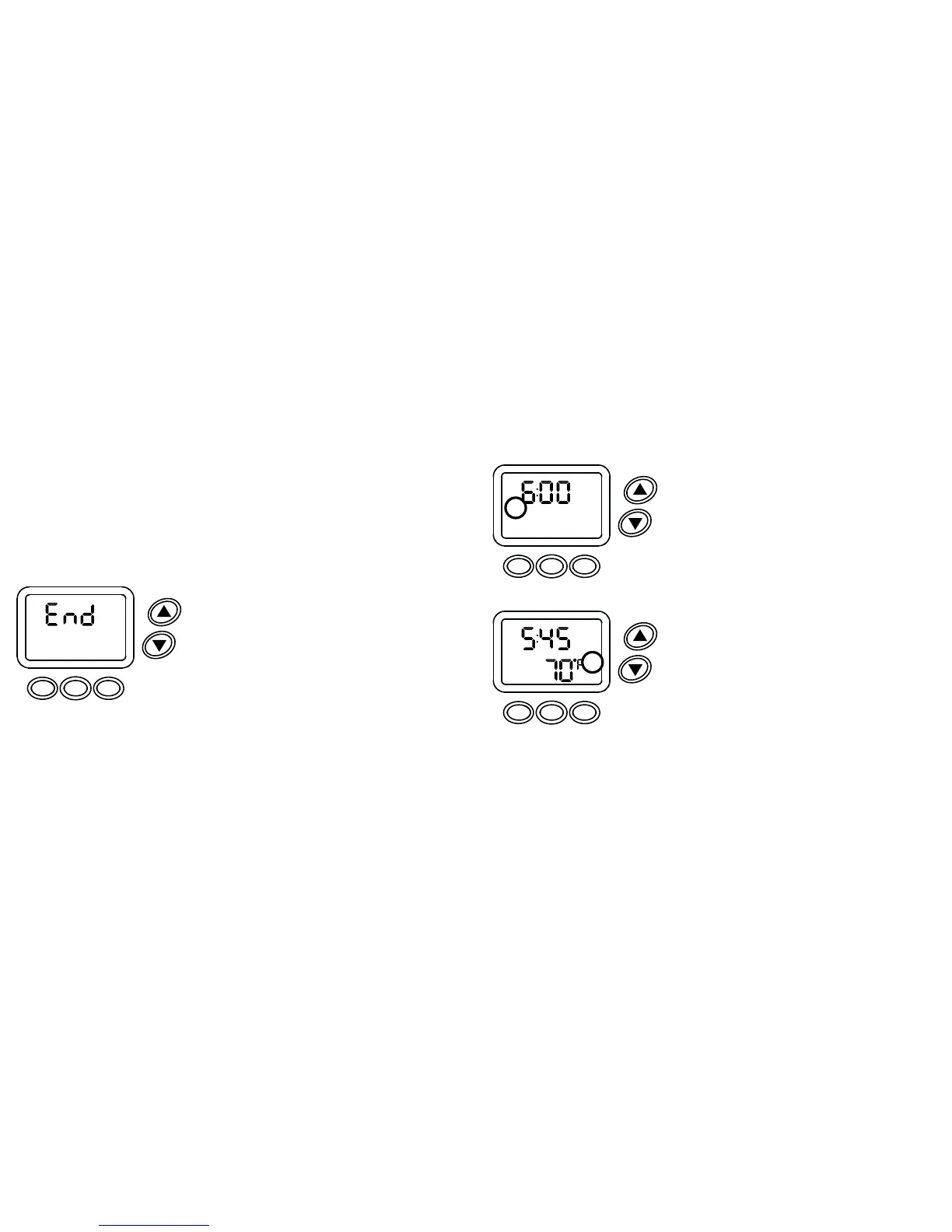
12. END will appear on the display when program-
ming is completed (Figure 3).
13. PRESS the MENU button to save and exit or
FAN to check entries.
DONE NEXT
MENU FAN MODE
Figure 3


 To Next Page