19
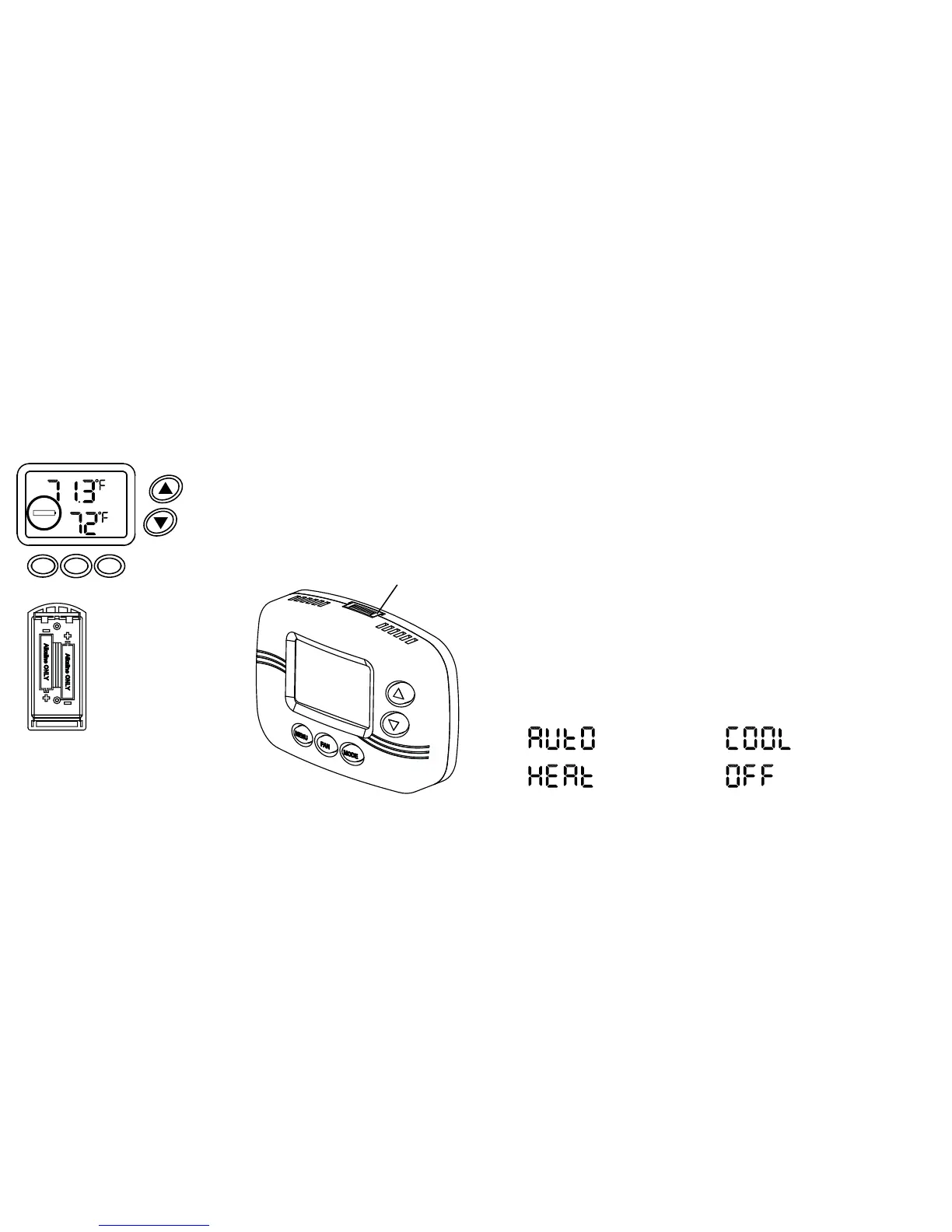
1. If a remote sensor is installed, the display will alternate between time and room
temperature, followed by time, room temperature and remote temperature.
Remote temperature will be indicated by the OUT symbol.
NOTE: If the remote sensor is used to average or measure room temperature
the OUT symbol will not appear. NS2 would indicate a fault with the sensor wiring.
2. The word TIME blinks when the time needs to be reset. The reset may be due
to a power interruption or battery change.
3. To permanently override the events schedule while on vacation, etc. press the
MENU button until MANUAL appears on the display. Press the up or down arrow
button to set the desired temperature. To return to the events schedule, press
the MENU button until SCHED appears on the display.
4. When the scheduled event (WAKE, LEAVE, RETURN or SLEEP) is flashing
the AdPt is active.
5. Active run modes are displayed as follows:
IMPORTANT NOTES - PLEASE READ
Auto changeover
mode is active
Heating mode
is active
Cooling mode
is active
Thermostat is
in off mode
18
Battery Replacement
The batteries need to be replaced immediately
when the REPLACE battery icon appears on the
display.
The batteries should be replaced once a year,
even if the replace battery icon does not appear.
The programmed settings are saved even with the
batteries removed. Only the time has to be reset.
WED
RETURN
FAN
TIME
REPLACE
ON
MENU FAN MODE
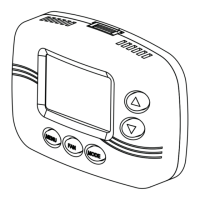
To remove batteries squeeze
slotted tabs on top and bottom
of thermostat.
Pull cover straight off of base.
To replace cover line up the
sides of the cover and the
base, and gently press cover
onto base.
Make sure batteries
are placed properly into
battery cradle.
Slotted
Tab


 To Next Page