25
Ver 2.0 A_6/28/2023
Mac
1. Open a new Finder window and go to the Applications folder.
2. Open the Utilities folder and select the Terminal program.
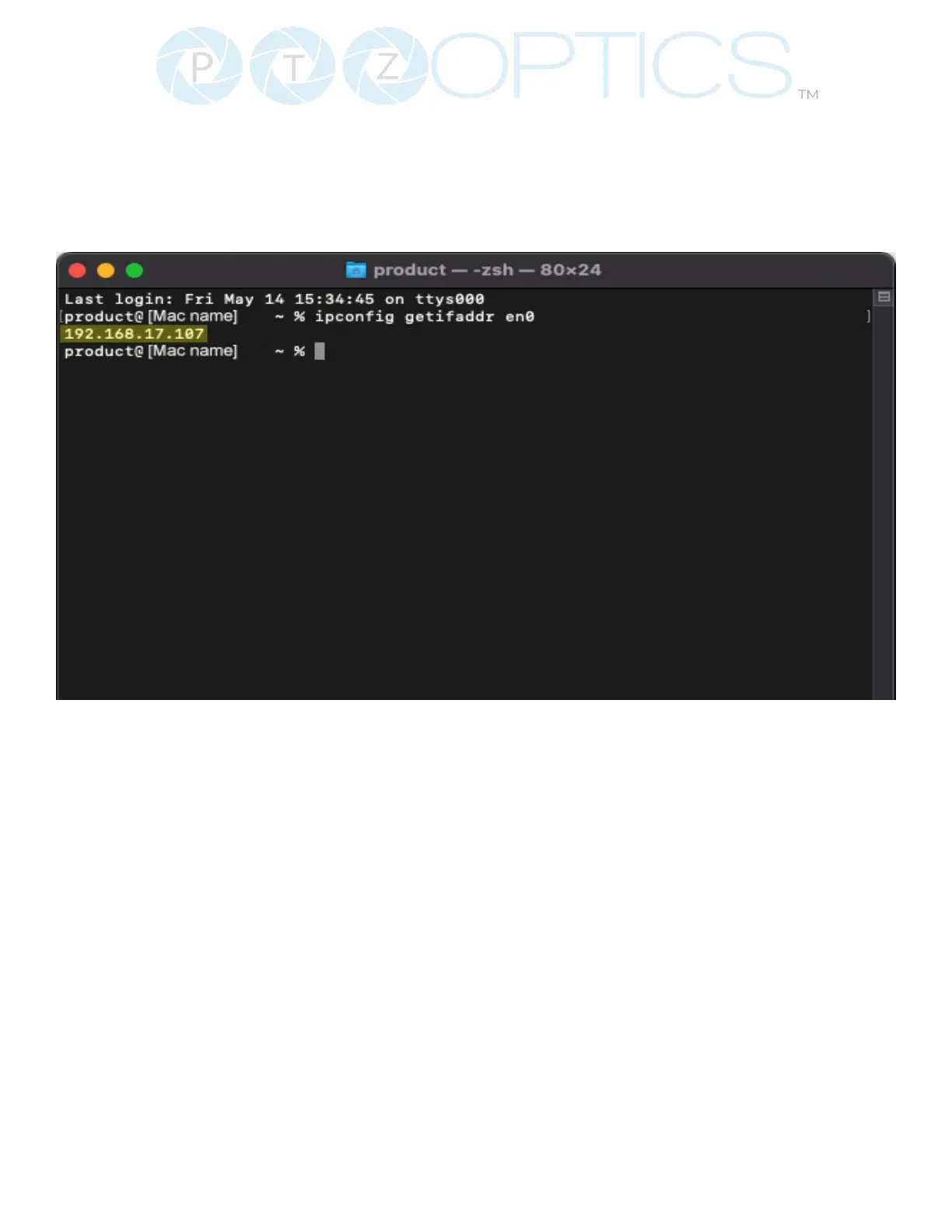
3. Once the Terminal program is open, type in “ipcong getifaddr en0” and press the Enter key.
4. In the example above, the Mac’s local address is 192.168.17.107”, making the network range
“192.168.17.xxx”.



 To Next Page