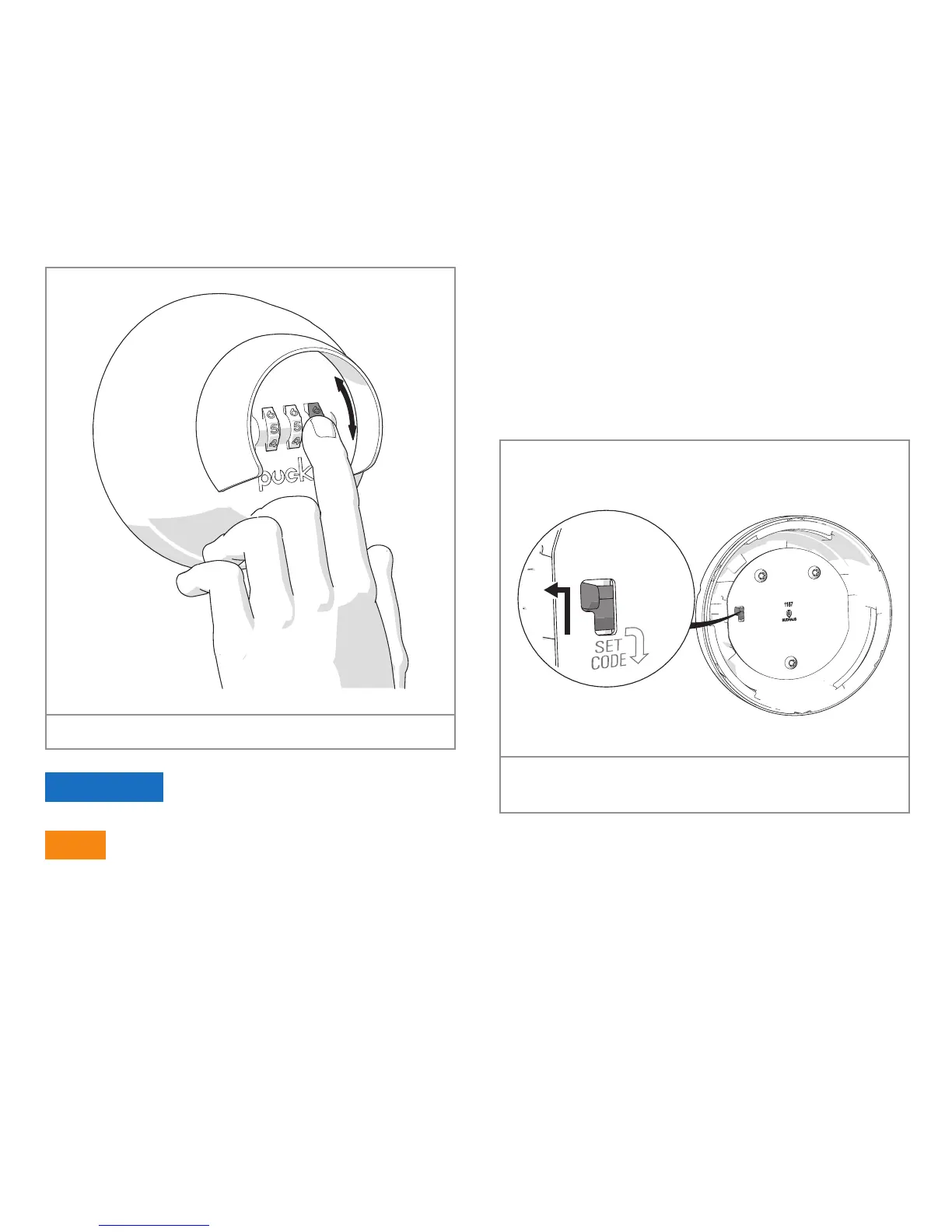
4. Rotate the number wheels to the code
you want to set.
Figure 19. Setting the code
attention
Don't forget the code.
tip
Choose a code that is difficult for
others to guess but easy for you to
remember.
5. Check if the code is set correctly. Set
the code setting slider back on the high
position.
6. Rotate one of the number wheels one
position. To make sure the code is set
correctly the code setting slider must
be fixed into its position.
Figure 20. Set the code setting slider back on the high
position
You have now set the code.
You can put the cover back again.
You can open the Puck Keysafe with the
code you just set.



 To Next Page