15
tip
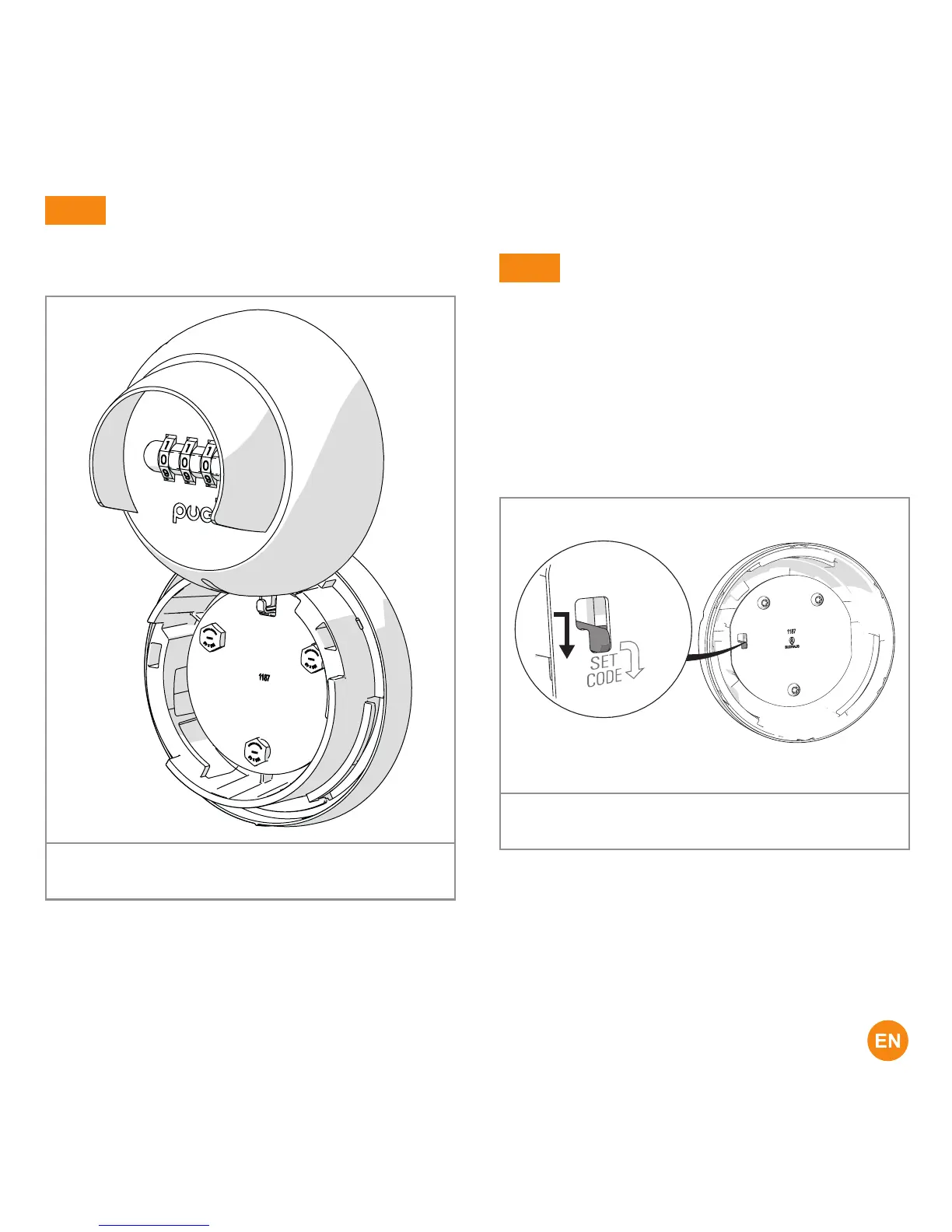
The key safe has two slots.
You can temporarily 'park' the cover there.
In this way, you have your hands free.
Figure 17. You can temporarily place the cover in the
two slots
4.2 Setting the code
tip
Change the code regularly.
To set the code, do the following:
1. Remove the lid.
(see: Opening Puck Keysafe)
2. Re-enter the original opening code.
3. Set the code setting slider to the
position SET CODE.
Figure 18. Set the code setting slider to the position
SET CODE



 To Next Page