13
English
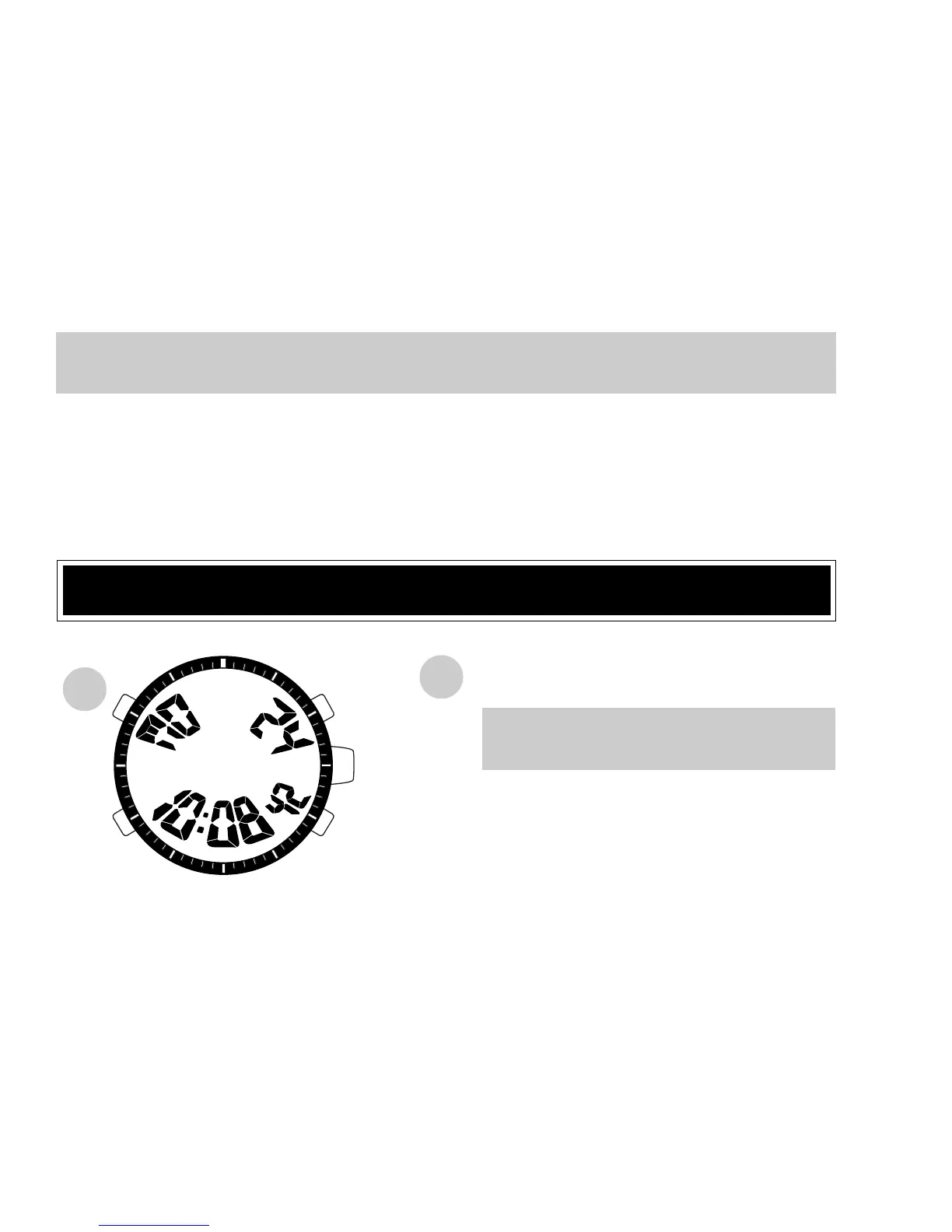
* At the designated time, the single-time alarm rings for 20 seconds. To stop it manually,
press any of the buttons.
● To cancel the single-time alarm you have set, press buttons C and D at the same
time in the SINGLE-TIME ALARM mode, or press button C or D to set the alarm
time to the current time.
ILLUMINATING LIGHT (Electroluminescent panel)
B
Press in any mode.
* The digital display is evenly
illuminated for 3 seconds.
PM
B


 To Next Page