EasyManua.ls Logo

Pulsar TELOS - Page 50

Pulsar TELOS
78 pages
Print Icon
To Next Page IconTo Next Page
To Previous Page IconTo Previous Page
Loading...
To
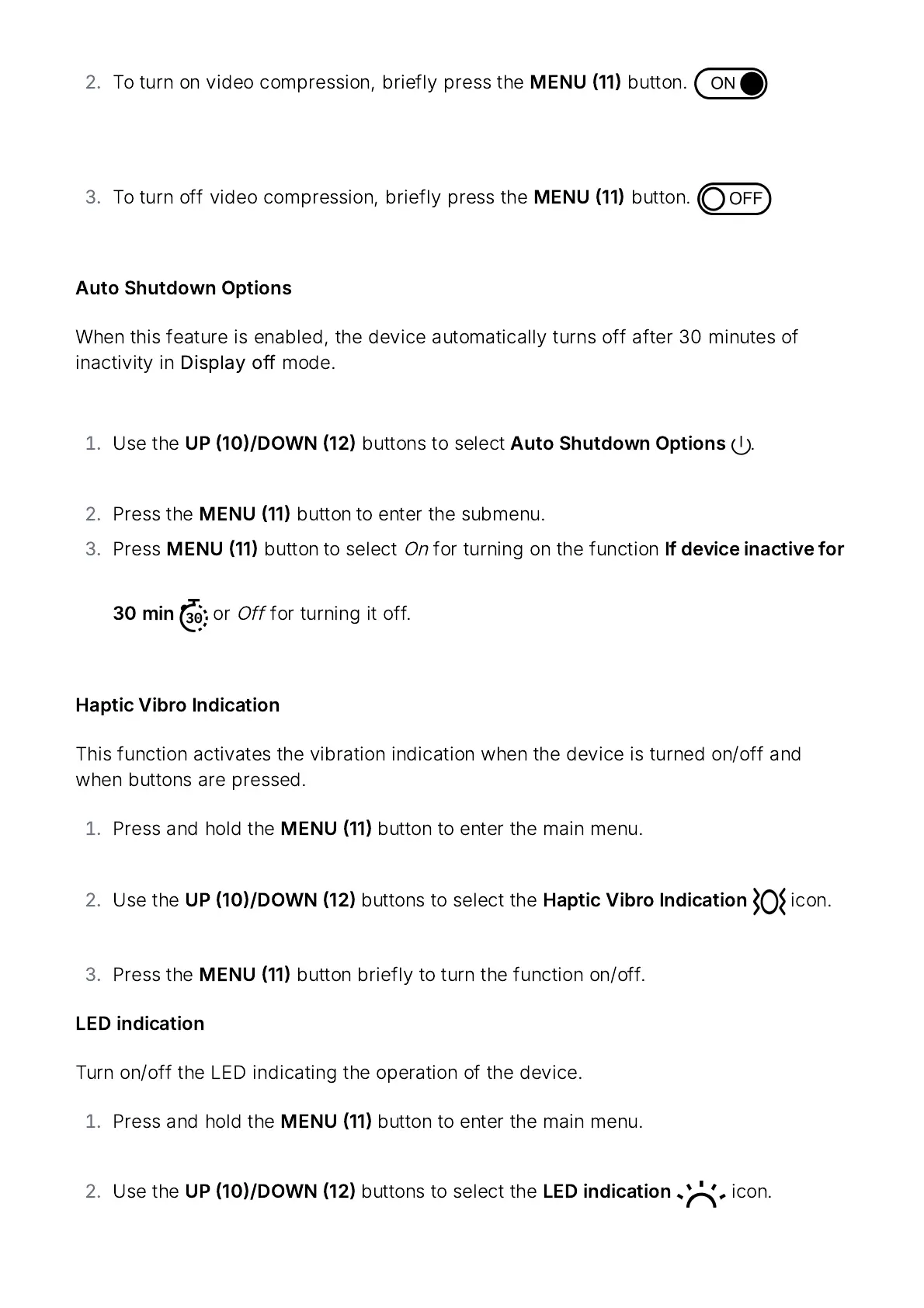
turn
on
video
compression
,
briefly
press
the
MENU
11
button
.
To
turn
off
video
compression
,
briefly
press
the
MENU
11
button
.
Auto
Shutdown
Options
When
this
feature
is
enabled
,
the
device
automatically
turns
off
after
30
minutes
of
inactivity
in
Display
off
mode
.
Use
the
UP
10/
DOWN
12
buttons
to
select
Auto
Shutdown
Options
.
Press
the
MENU
11
button to
enter
the
submenu
.
Press
MENU
11
button to
select
On
for
turning
on
the
function
If
device
inactive
for
30
min
or
Off
for
turning
it
off
.
Haptic
Vibro
Indication
This
function
activates
the
vibration
indication
when
the
device
is
turned
on
/
off
and
when
buttons
are
pressed
.
Press
and
hold
the
MENU
11
button
to
enter
the
main
menu
.
Use
the
UP
10/
DOWN
12
buttons
to
select
the
Haptic
Vibro
Indication
icon
.
Press
the
MENU
11
button
briefly
to
turn
the
function
on
/
off
.
LED
indication
Turn
on
/
off
the
LED
indicating
the
operation
of
the
device
.
Press
and
hold
the
MENU
11
button
to
enter
the
main
menu
.
Use
the
UP
10/
DOWN
12
buttons
to
select
the
LED
indication
icon
.

Related product manuals