EasyManua.ls Logo

Pulsar TELOS - Page 52

Pulsar TELOS
78 pages
Print Icon
To Next Page IconTo Next Page
To Previous Page IconTo Previous Page
Loading...
This
function
enables
you
to
format
the
Flash
memory
card
.
All
files
will
be
deleted
.
Formatting
should
be
carried
out
in
case
of
a
memory
card
error
.
Before
formatting
,
make
sure
you
transfer
all
footage
to
other
media
.
Press
the
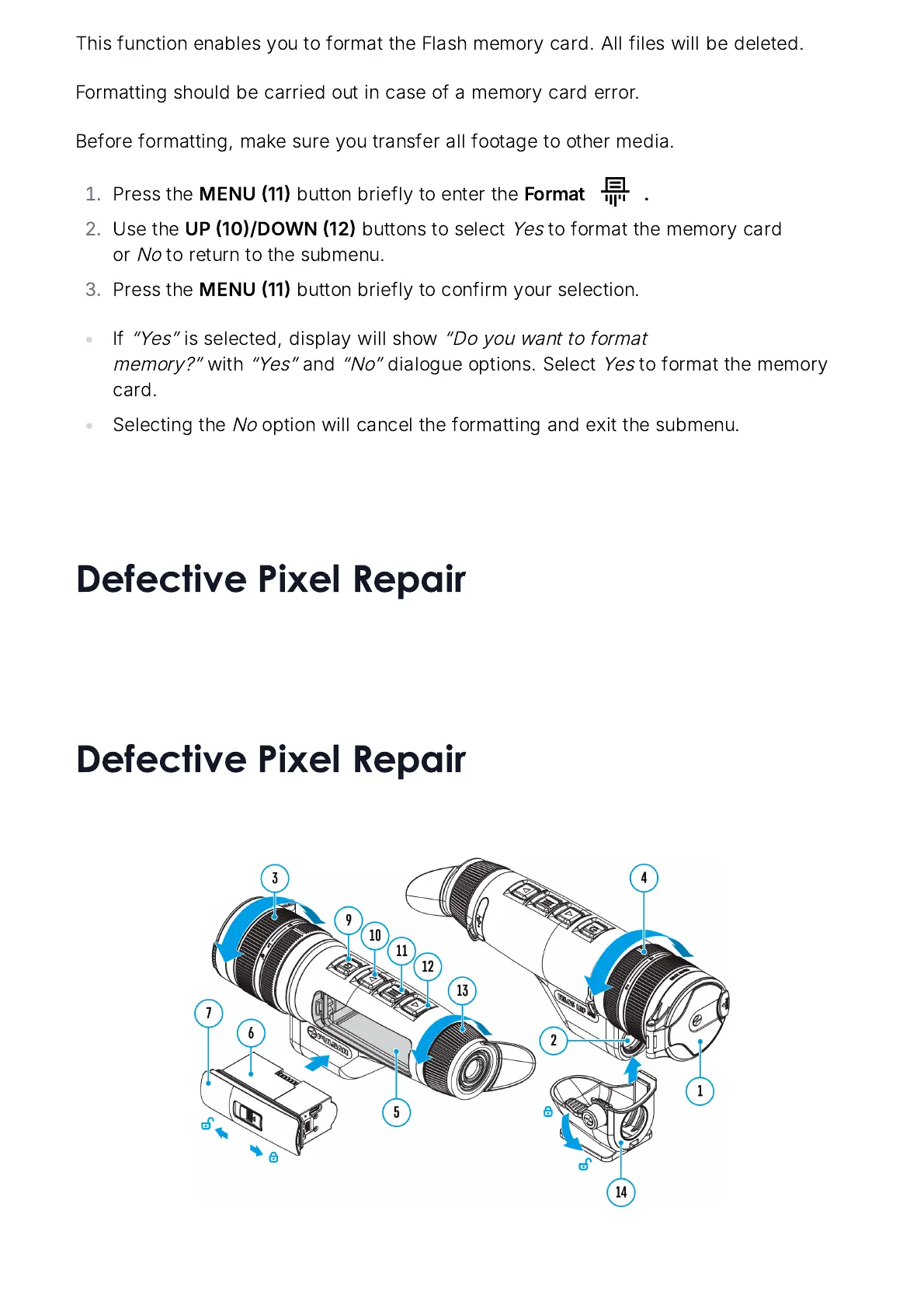
MENU
11
button
briefly
to
enter
the
Format
.
Use
the
UP
10/
DOWN
12
buttons
to
select
Yes
to
format
the
memory
card
or
No
to
return
to
the
submenu
.
Press
the
MENU
11
button
briefly
to
confirm
your
selection
.
If
Yes
is
selected
,
display
will
show
Do
you
want
to
format
memory
?
with
Yes
and
No
dialogue
options
.
Select
Yes
to
format
the
memory
card
.
Selecting
the
No
option
will
cancel
the
formatting
and
exit
the
submenu
.
Defective Pixel Repair

Related product manuals