EasyManua.ls Logo

Pulsar TELOS - Page 53

Pulsar TELOS
78 pages
Print Icon
To Next Page IconTo Next Page
To Previous Page IconTo Previous Page
Loading...
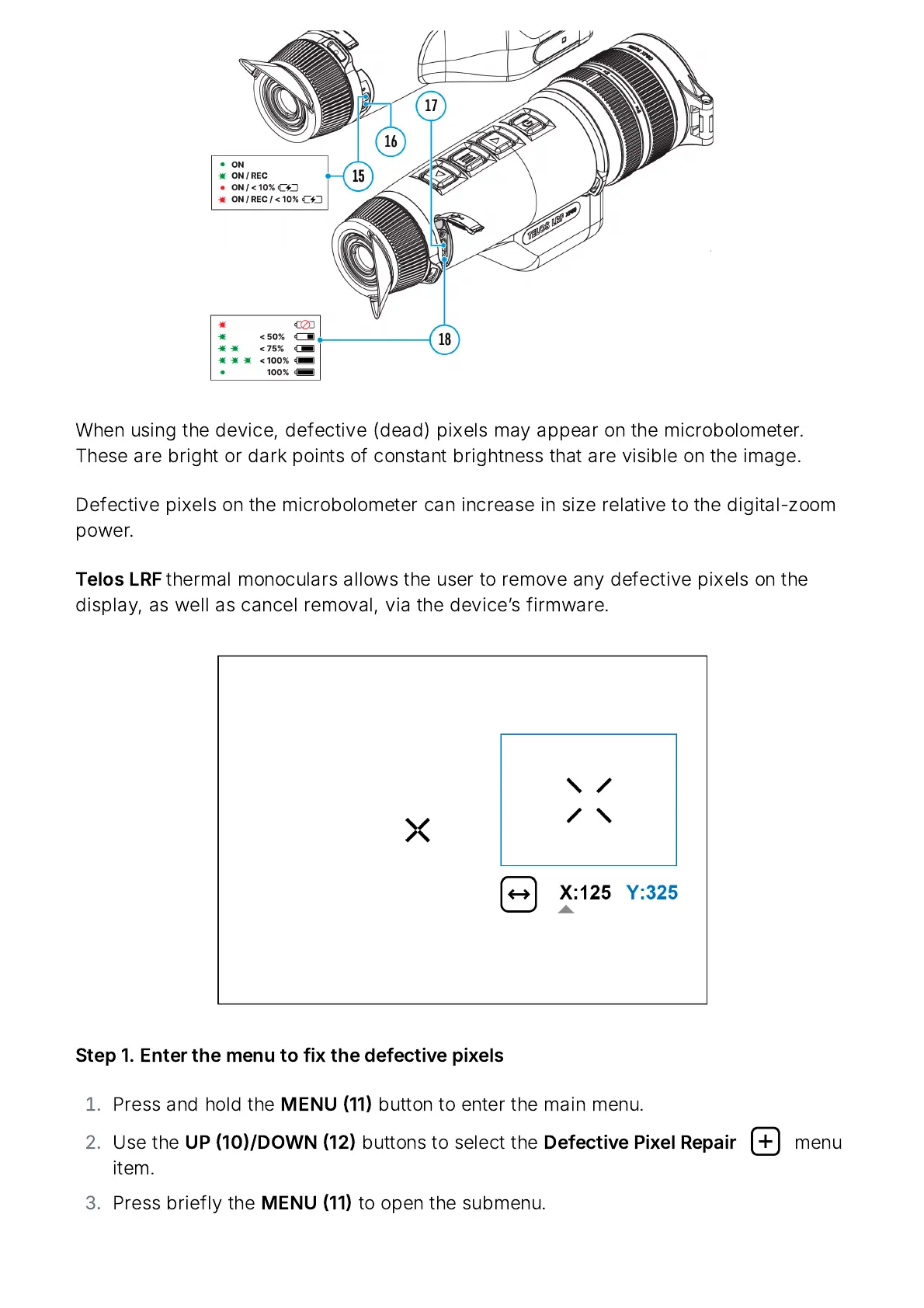
When
using
the
device
,
defective
(
dead
)
pixels
may
appear
on
the
microbolometer
.
These
are
bright
or
dark
points
of
constant
brightness
that
are
visible
on
the
image
.
Defective
pixels
on
the
microbolometer
can
increase
in
size
relative
to
the
digital
-
zoom
power
.
Telos
LRF
thermal
monoculars
allows
the
user
to
remove
any
defective
pixels
on
the
display
,
as
well
as
cancel
removal
,
via
the
device
ʼ
s
firmware
.
Step
1.
Enter
the
menu
to
fix
the
defective
pixels
Press
and
hold
the
MENU
11
button
to
enter
the
main
menu
.
Use
the
UP
10/
DOWN
12
buttons
to
select
the
Defective
Pixel
Repair
menu
item
.
Press
briefly
the
MENU
11
to
open
the
submenu
.

Related product manuals