EasyManua.ls Logo

Pulsar TELOS - Page 59

Pulsar TELOS
78 pages
Print Icon
To Next Page IconTo Next Page
To Previous Page IconTo Previous Page
Loading...
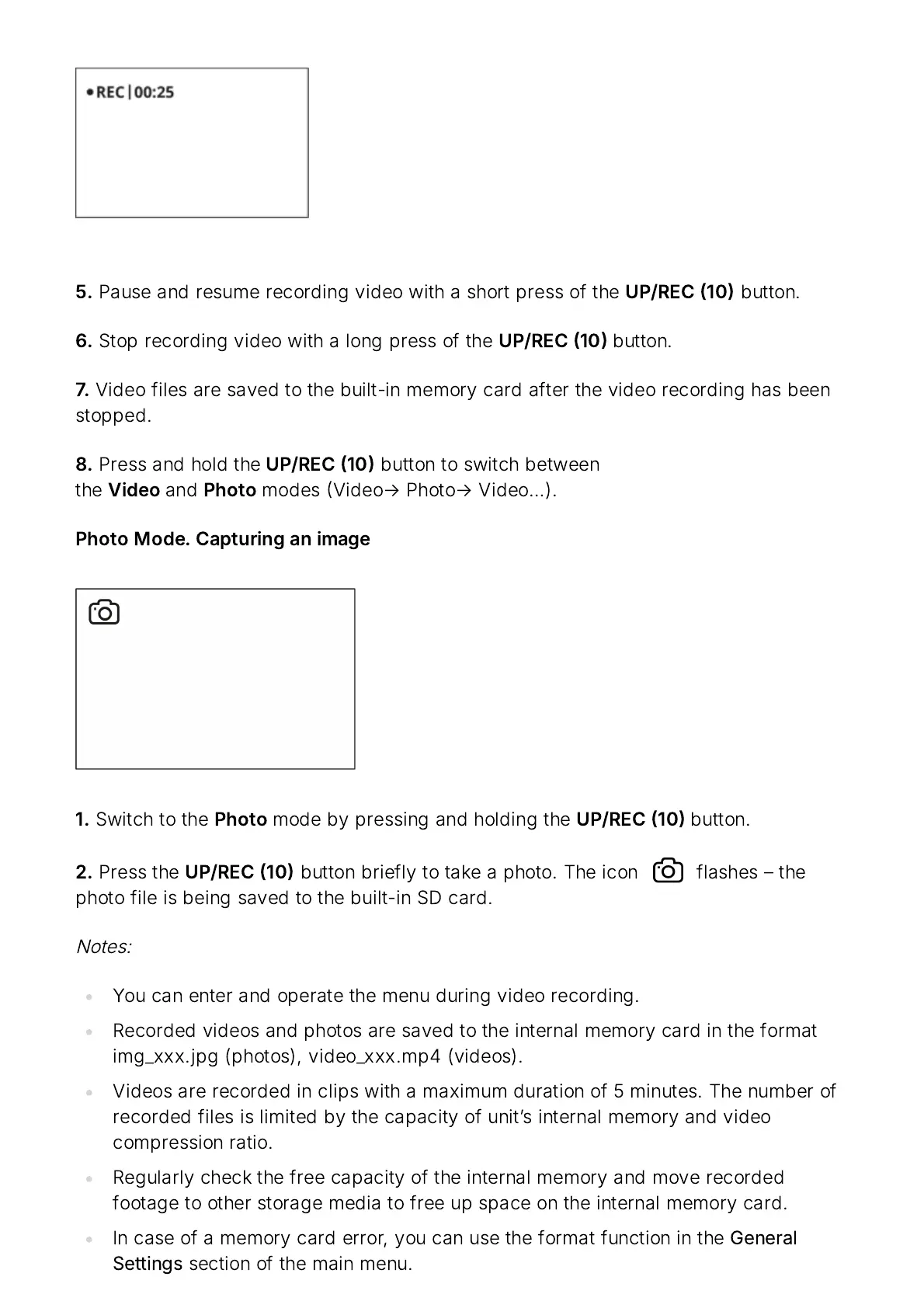
5.
Pause
and
resume
recording
video
with
a
short
press
of
the
UP
/
REC
10
button
.
6.
Stop
recording
video
with
a
long
press
of
the
UP
/
REC
10
button
.
7.
Video
files
are
saved
to
the
built
-
in
memory
card
after
the
video
recording
has
been
stopped
.
8.
Press
and
hold
the
UP
/
REC
10
button
to
switch
between
the
Video
and
Photo
modes
Video
Photo
Video
).
Photo
Mode
.
Capturing
an
image
1.
Switch
to
the
Photo
mode
by
pressing
and
holding
the
UP
/
REC
10
button
.
2.
Press
the
UP
/
REC
10
button
briefly
to
take
a
photo
.
The
icon flashes
the
photo
file
is
being
saved
to
the
built
-
in
SD
card
.
Notes
:
You
can
enter
and
operate
the
menu
during
video
recording
.
Recorded
videos
and
photos
are
saved
to
the
internal
memory
card
in
the
format
img
_
xxx
.
jpg
(
photos
),
video
_
xxx
.
mp
4 (
videos
).
Videos
are
recorded
in
clips
with
a
maximum
duration
of
5
minutes
.
The
number
of
recorded
files
is
limited
by
the
capacity
of
unit
ʼ
s
internal
memory
and
video
compression
ratio
.
Regularly
check
the
free
capacity
of
the
internal
memory
and
move
recorded
footage
to
other
storage
media
to
free
up
space
on
the
internal
memory
card
.
In
case
of
a
memory
card
error
,
you
can
use
the
format
function
in
the
General
Settings
section
of
the
main
menu
.

Related product manuals