15
RESTORING WELLNESS ONE PULSE AT A TIME
Troubleshooting
Problem Possible Cause Fault Removal
Button is in On position, but
the Power Indicator light
does not light up
• Power cord is not firmly
connected, or there is no
power in the wall outlet.
• Power supply cord is
damaged.
• Check that plug connection is
secure and if there is power in
the wall outlet.
Applicator is not emitting
a pulse
• Applicator connectors are not
properly connected.
• Duration and intensity setting
have not been activated.
• Session may be finished.
• Turn the A2500 off and back on.
• The applicator connectors are not
locked in receptacles.
• Press Duration button to begin
session, then select desired
intensity setting.
The “Check Connections”
light is red.
• One or both ends of the
Applicator Connectors are
not correctly attached to the
A2500 device.
• Turn off the A2500 device, and
reconnect the Connectors to the
back of the A2500 device.
Care and Cleaning
▪ Wipe the coil with a soft, clean cloth, moistened with 70% isopropyl alcohol or hydrogen peroxide, to
clean and disinfect.
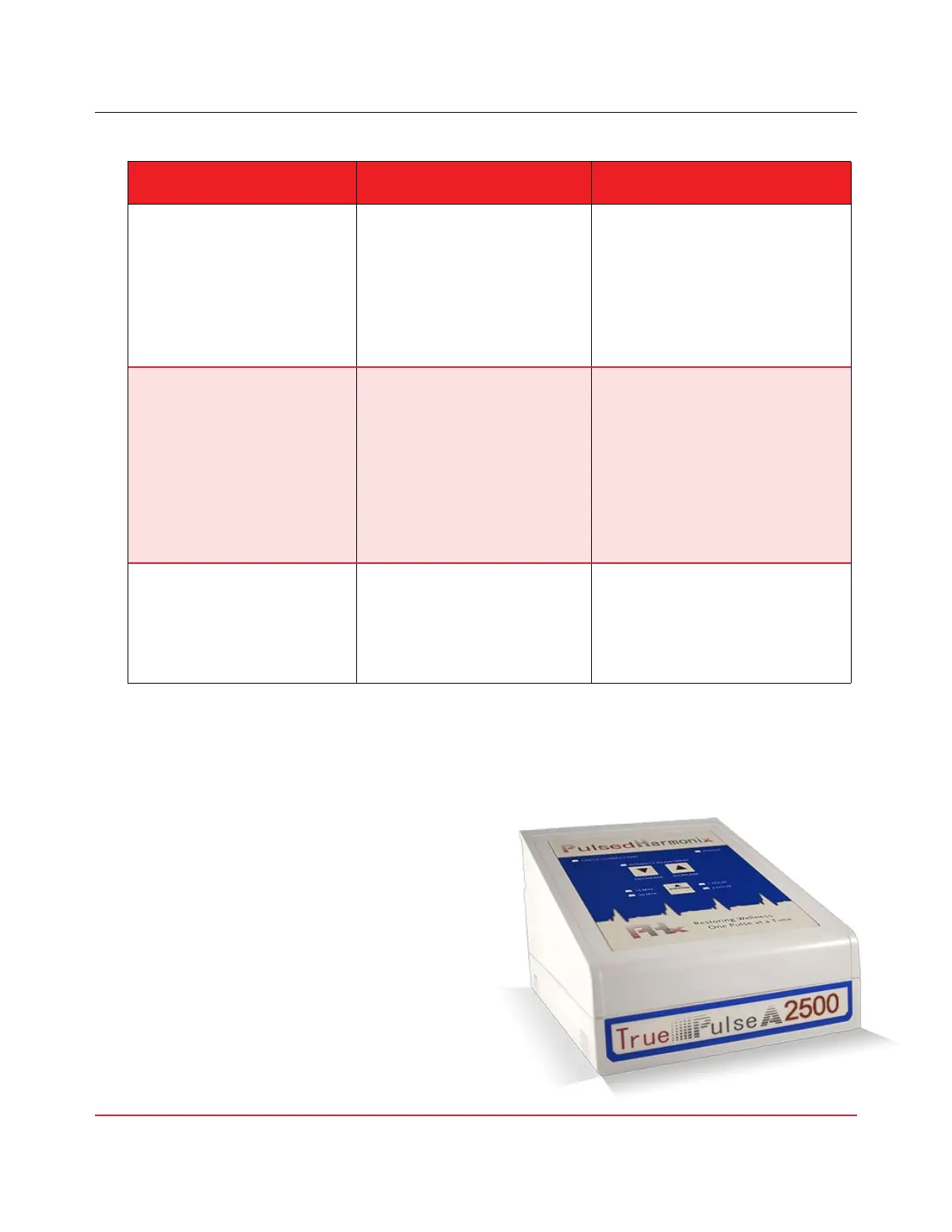
▪ Use only a soft, dry cloth to clean the body of the
A2500. Do not use any abrasive cleanser. Never
submerge the True Pulse A2500
®
device,
MCAC coil, Pouch, or Mat into water or any
other liquid. The cloth covers of the Applicators
may be gently washed and dried. Use only
gentle/low cycles.
▪ Do not expose the True Pulse A
2500
®
to extreme
temperatures, humidity, or direct sunlight. Never
use the device in, near, or around any liquid.



 To Next Page