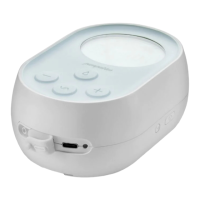
Function & Control Overview
Increases Vacuum Intensity
Stops the stored program in the
Memory Function (when held
down for 2 seconds)
ICONS
The following icons display on the LED screen of the Milk Genie.
Displays when there is a stored
program in the Memory Mode
function.
Flashes while a program is being
recorded in the Memory Mode
function.
Does not display when there is no
stored program.
Displays remaining battery life.
Flashes when charging is needed.
See Battery Life (page 37) for a
detailed overview.
Displays when Milk Genie is
receiving power from the power
adapter.



 To Next Page