34
MASSAGE MODE & EXPRESSION MODE
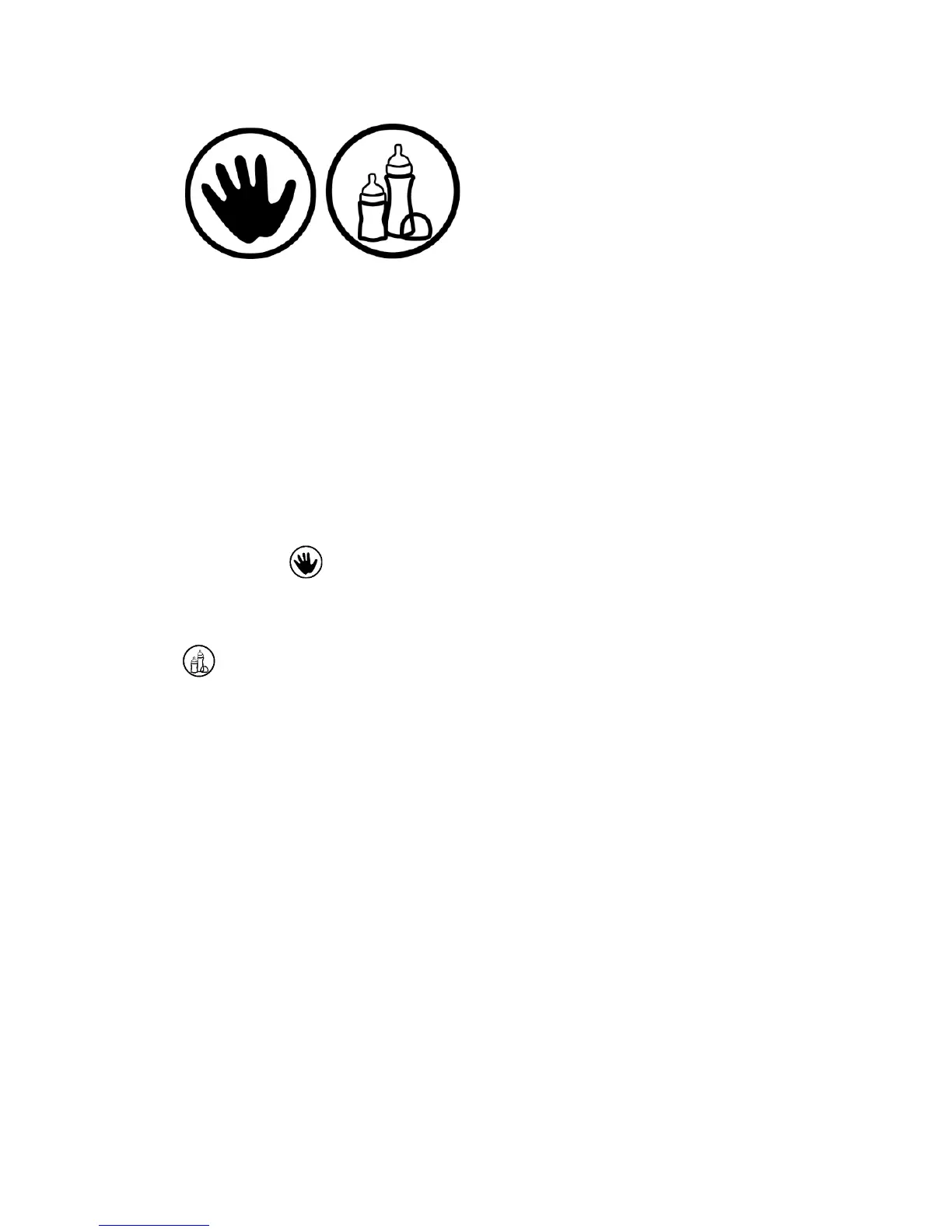
The Milk Genie comes equipped with Massage Mode and Expression Mode
to best mimic the sensation of your baby’s suckling. The Massage Mode is
a fast method of pumping designed to initiate your letdown, the start of
milk flow. Expression Mode mimics the slow, deep suckling of your baby
once the milk has begun flowing. To utilize these features, observe the
following instructions:
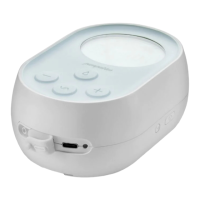
1. Press the power button to turn on your Pumpables Milk Genie.
2. Press the Mode button to switch to Massage Mode. The screen will
display the icon.
3. Once your milk is flowing, press the Mode button again to enter the
Expression Mode. In Expression Mode, the screen will display the
icon.
4. You may find good results switching between Massage Mode and
Expression Mode multiple times throughout the pumping session.



 To Next Page