1
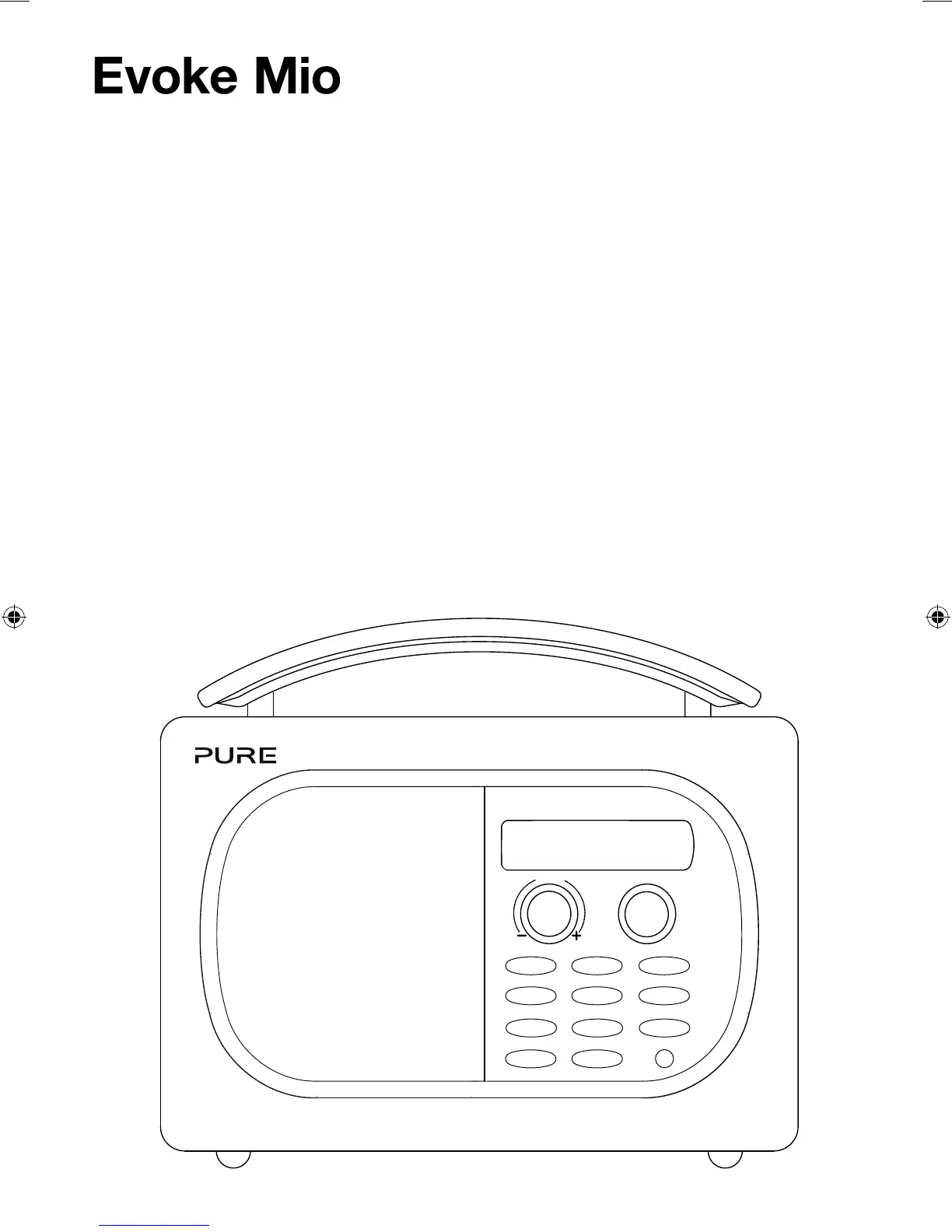
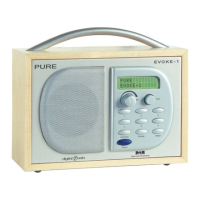
Volume
Tune
123
456
+
Source
Info Menu
Standby Timer
Thank you for choosing Evoke Mio. This manual
will get you up and running in no time, and
explains how to make the most of your Evoke
Mio. We’re constantly improving and adding new
features to our products. To take advantage of
any enhancements made since your product was
shipped, please visit www.pure.com where you can
check for any updated versions of software and
download the latest version of this user guide in
PDF format.
EvokeMio_DG_manual-Euro.indb 1 7/25/2013 5:24:07 PM



 To Next Page