13
GB
Using the Lamp - Daylight
Twilight has six powerful LED lights capable of creating a rainbow of
colours for you to choose from. Daylight is a preset white colour tone
available directly by pressing the Daylight button.
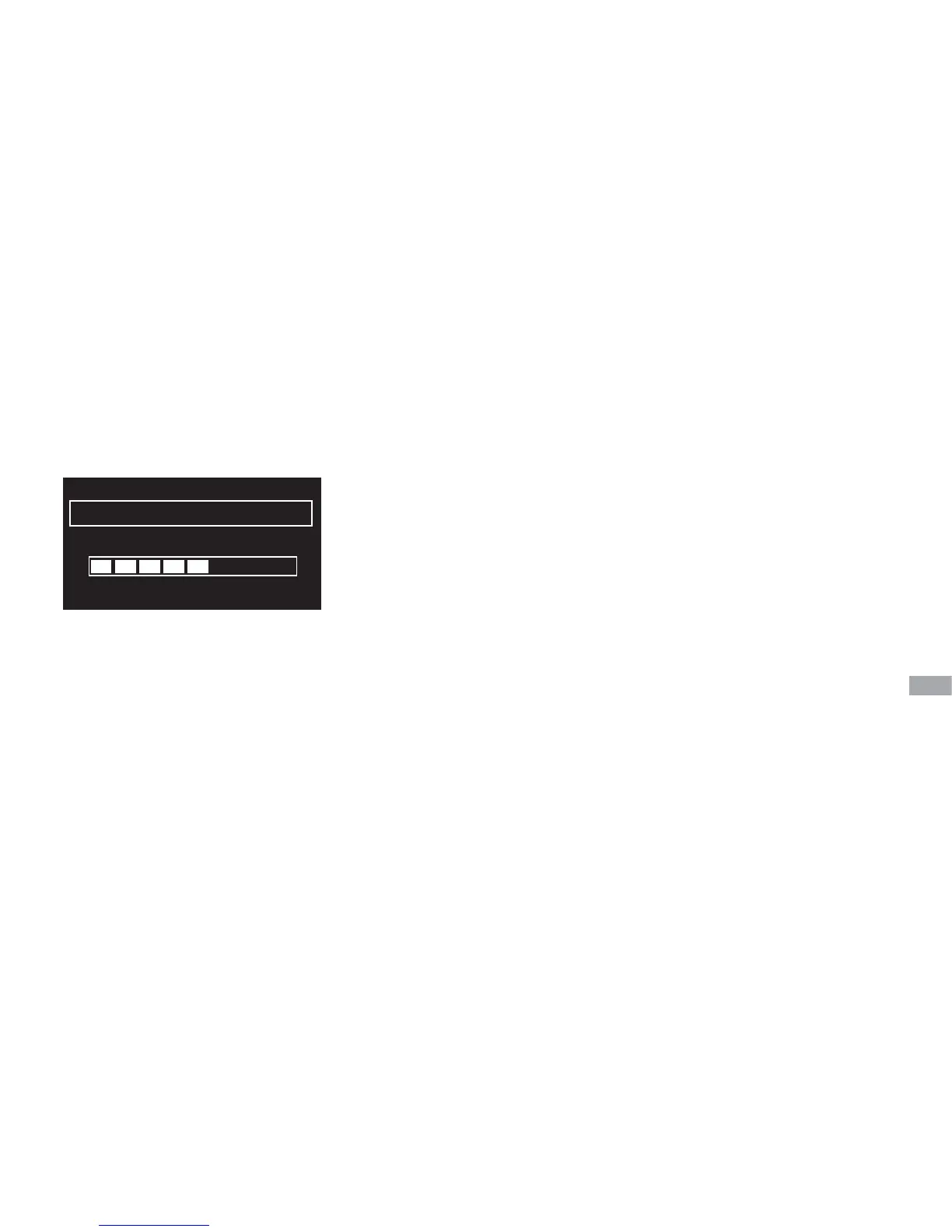
Daylight brightness
Press Daylight to switch on the lamp on to the last used daylight setting.
You can adjust the brightness in three ways:
Hold your hand on the touch sensitive area of the lamp, this will raise the
brightness if the lamp was off previously, or lower it if the lamp was on.
Alternatively, use the +/- and Select, or context-sensitive (+, - and OK)
buttons to adjust the brightness.
Brightness
60
–20 –
– OK +


 To Next Page