11
SETTING UNITS
Display units may be changed by pressing the U button
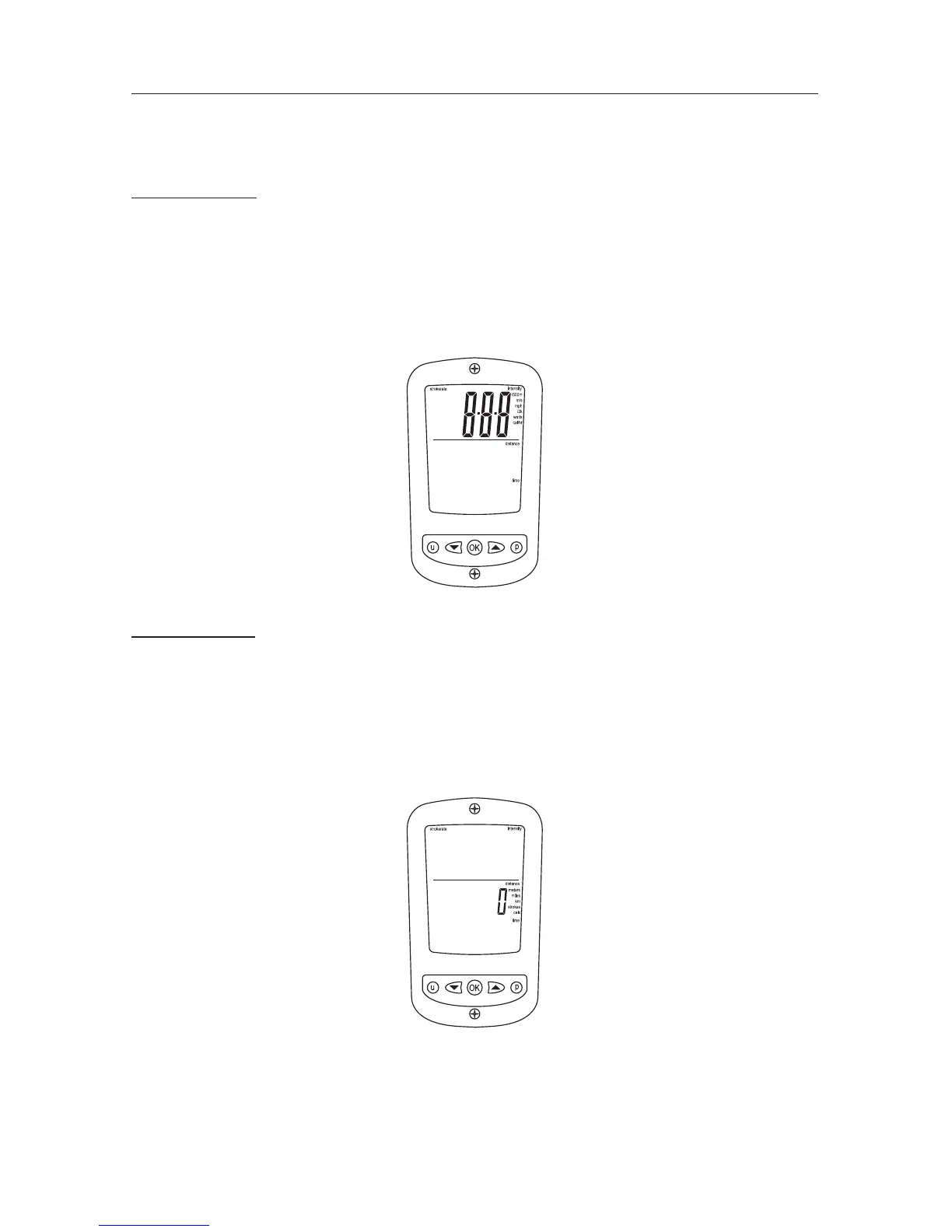
Press the U button once to change intensity units / twice to change distance units
Intensity Units
• Press the U button until only the intensity digits appear along with the list of
intensity units (see image below)
• Using the ARROW buttons scroll to the desired intensity unit
/500m, m/s, mph, /2km, watts or cal/hr
• Once the desired unit is ashing press OK The monitor will return to Ready Mode
Distance Units
• Press the U button until only the distance digits appear along with the list of
distance units (see image below)
• Using the ARROW Buttons scroll to the desired distance unit
meters, miles, km, strokes, or cals
• Once the desired unit is ashing press OK The monitor will return to Ready Mode


 To Next Page