ENGLISH
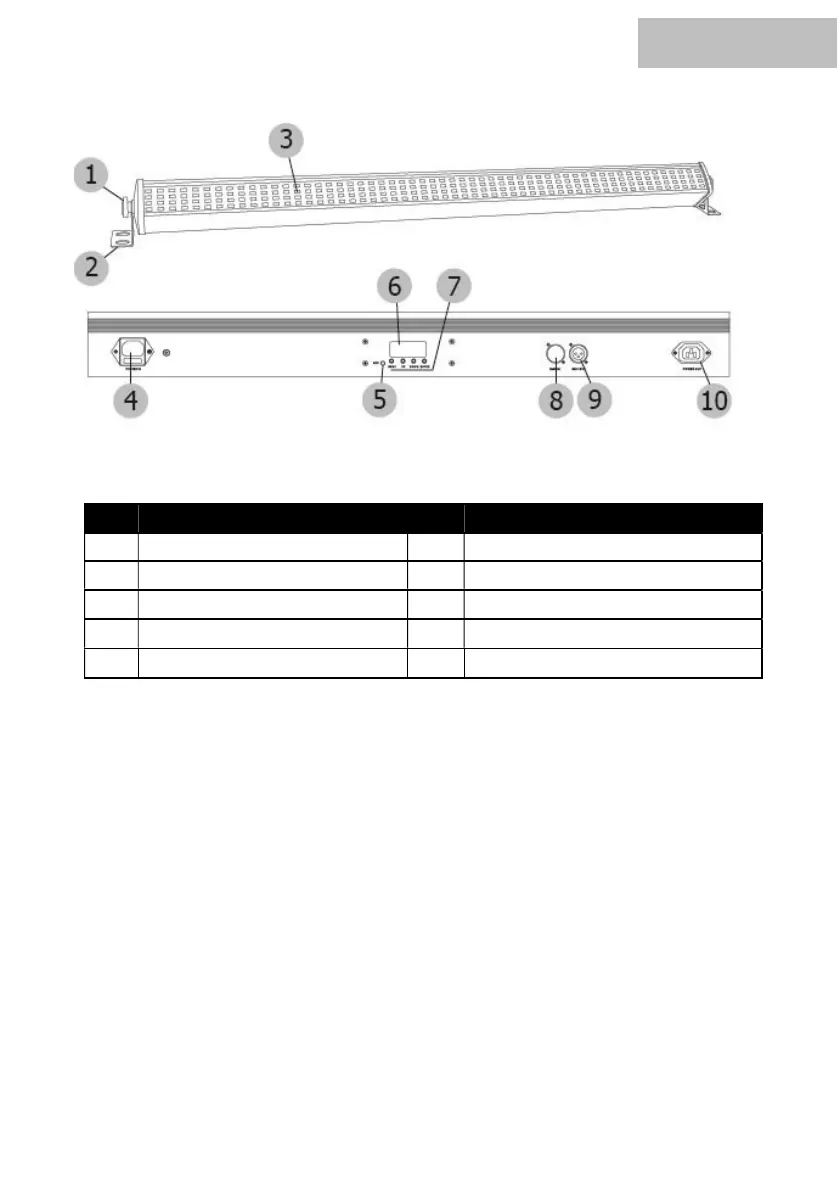
Connections and controls:
Intended use:
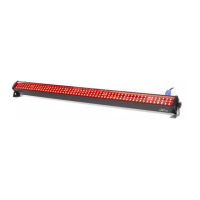
The PURElight Pixelbar Switch was designed for use as an electronic LED lighting effect. The
device may only be used for this purpose and in accordance with the operating instructions. Other
purposes as well as operation under other operating conditions are expressly not intended and can
lead to damage to property or personal injury! No liability is assumed for damage resulting from
improper use.
It must be ensured that the device is operated exclusively by trained and competent users who are
in full possession of their mental, physical and sensory abilities. The use of other persons is
expressly only permitted at the request of a person responsible for their safety, who instructs or
supervises the use.
All connections of the device should be made before switching on. Only use high-quality cables
that are as short as possible for the connections.
No. Designation No. Designation
1 Locking Screw 6 Display
2 Mounting Bracket 7 Operating keys
3 SMD-LEDs 8 DMX Input (3-pole)
4 Power Input 9 DMX Output (3-pole)
5 Intergrated Microphone 10 Power Output


 To Next Page