P: 479.419.4800 | F: 479.419.4801 | www.purkeys.net
1200+ WITH TIMER V1.00
OWNERS MANUAL
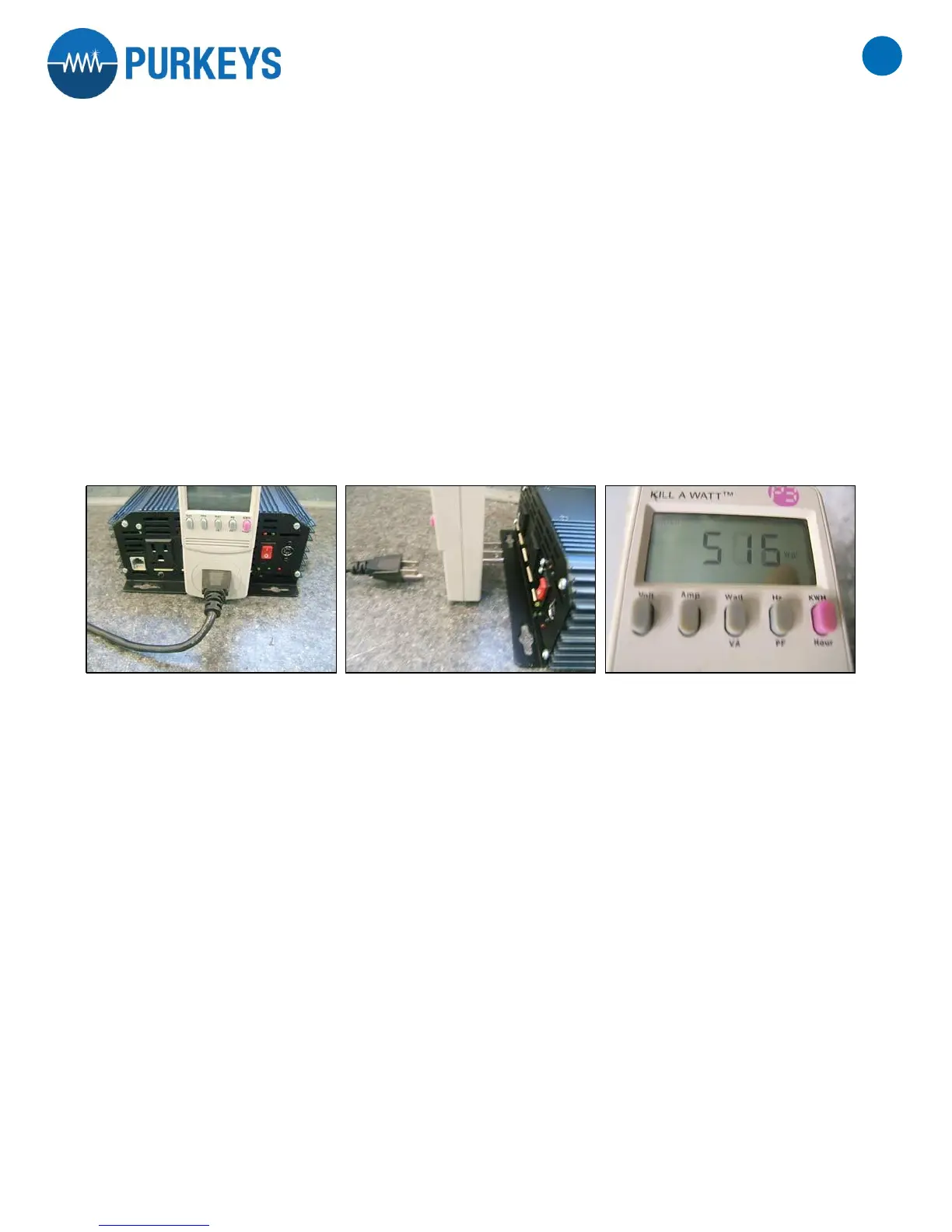
KILL-A-WATT OPERATION
1. The LCD shows all meter readings: Volts, Current, Watts, Frequency, Power Factor, and VA. The unit will start
to accumulate KWH and powered duration time (hour) after power is applied.
2. Press Volt button for true RMS Voltage (Volts) display.
3. Press Amp button for true RMS output current (Amps) display.
4. The Watt/VA button is a toggle function button. Press the Watt/VA button once to display Watt meter, then
press button again to display VA meter. The LCD will display Watts as the active power, where VA is the
apparent Power. (VA--‐Vrms Arms)
5. The HZ/PF button is a toggle function button. Press the HZ/PF button once to display the frequency (Hertz),
then press the button again to display the Power Factor. HZ is the Frequency of output Voltage, where PF is
the Power Factor. (PF=W/Vrms Arms)
WARNING: Do not exceed maximum ratings as detailed on the label.
The KWH/Hour button is a toggle function button. Press the KWH/Hour button once to display the cumulative
energy consumption since power was applied to the unit. Press the button again to display the cumulative time
since power was applied to the unit.
Consumption will be displayed in Kilowatt--Hours (from 0.01 KWH to 9999 KWH). Time will initially be displayed
as Hours: Minutes (from 00:00) and switch to Hours (to 9999). Counters will recycle to zero when they reach
their maximum. To reset, remove power from unit momentarily.


 To Next Page