WEB INTERFACE CONFIGURATION GUIDE
To log into the web interface: Open an internet browser window on your connected computer and
navigate to the IP address of the unit. DEFAULT IP ADDRESS: 192.168.0.136
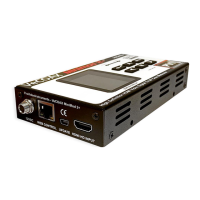
If the IP ADDRESS was changed and is lost: Press and hold the RST button for 15 seconds with the unit
powered on. This resets all unit settings to factory default, including the IP address.
Default User Name: admin Default Password: admin
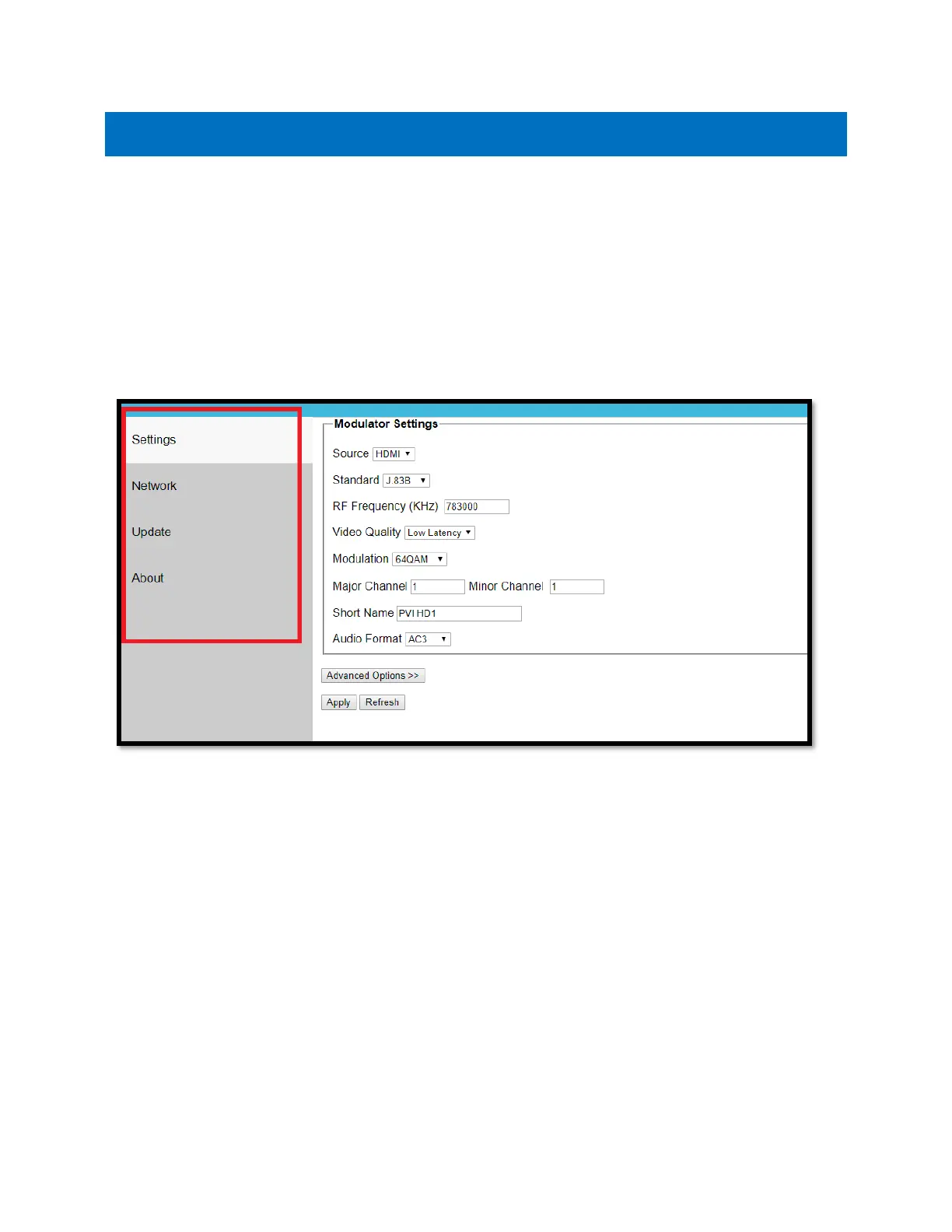
Once you have logged into the unit, you will see the SETTINGS page. This will display all your inputs, as
well as your video standard, frequency, and other settings.
On the left-hand side, there is a navigation bar, where you can select different menus for further
configuration.
• SETTINGS: Here you can change your broadcast settings for each channel of your unit,
including the broadcast standard and frequency.
• NETWORK: Here you can change the IP address, subnet mask, and gateway for accessing the
web interface.
• UPDATE: Here you can apply firmware updates to your unit, if directed to do so by PVI
support staff.
• ABOUT: Here you can find the unit’s firmware version.


 To Next Page