英文/English
High sensitivity:
Press the "PROG" Button, the Red LED flashes quickly, press the D-pad "↑" button.
(Recommend for PS3, PS4, XBOX ONE, XBOX SERIES X&S console)
Medium sensitivity:
Press the "PROG" button, the Red LED flashes quickly, press the D-pad "←" button.
Low sensitivity:
Press the "PROG" button, the Red LED flashes quickly, press the D-pad "↓" button.
(Recommend for PC, PS3, PS4, XBOX ONE, XBOX SERIES X&S platform)
Max effective turn radius:
For example, the Racing Wheel maximum effective turn radius is set to 180°. The
actual maximum turn radius is achieved when moving 90° to the left or right, and
the rotation exceeding 90° is invalid rotation.
Customize maximum effective turn radius
Sensitivity Setting
How to setting?
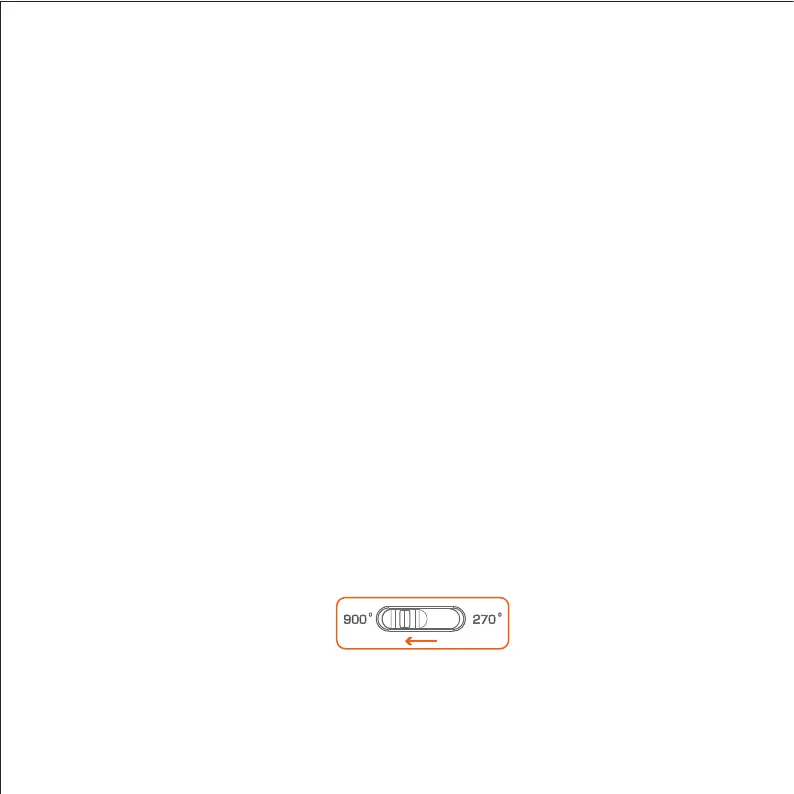
Step 1 Switch to 900°.
Step 2 Press the "PROG" button, the Red LED flashes quickly.
Step 3 Move the Racing Wheel to the desired angle ( more than 60°), press the
"OPTIONS" button, the Red LED will keep on.


 To Next Page