英文/English
Step 1 Switch MODE between X-input and D-input.
Step 2 Racing Wheel is default to X-input mode when connecting computer, and
red LED keeps lighting on.
X-input mode
X-input MODE is compatible with Games for windows,Plug and play.
Recommended Games: "Need for Speed 13" above version, "Dirty2/3/4", "Ridge
Racer" and so on.
D-input mode
D-input MODE is compatible with early PC racing games.
Recommended Games: "Need for Speed 1-12" , "Euro Truck Simulator" and
so on.
X-INPUT D-INPUT
Press "MODE" 3s
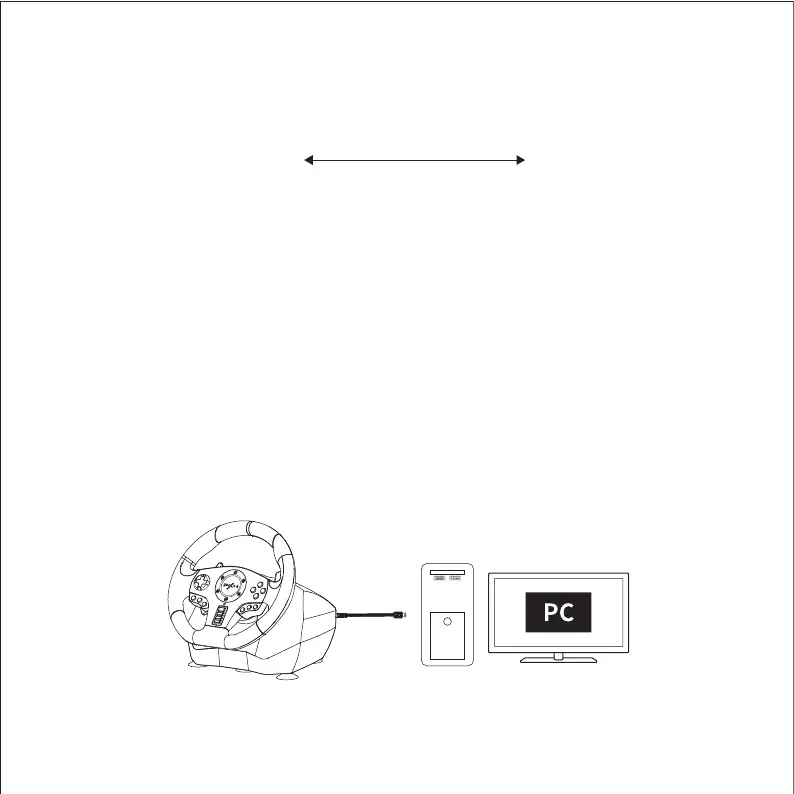
Diagram of PC Connection
Using for PC


 To Next Page