46
EN
Using [DISPLAY]
1
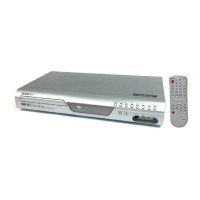
During playback, press [DISPLAY].
Display menu will appear.
When inserting <Audio CD> disc. When inserting <MP3/WMA files>.
2
Using [{ / B], select . Press [OK].
The number next to
will be highlighted.
3
Using [K / L] or the Number buttons, enter a desired track number
to search. Press [OK].
Track search will start.
1
During playback, press
[DISPLAY].
Display menu will appear.
When inserting <DVD-Video> disc.
When inserting <Audio CD> disc.
2
Using [{ / B], select .
Press [OK].
The number next to
will be
highlighted.
To move to the number next to ,
press [B].
When time search is not available,
and time counter are not
displayed.
3
Using [K / L] or the Number
buttons, enter a desired time to
search. Press [OK].
Time search will start.
Playing discs
Track search
CD
WMA
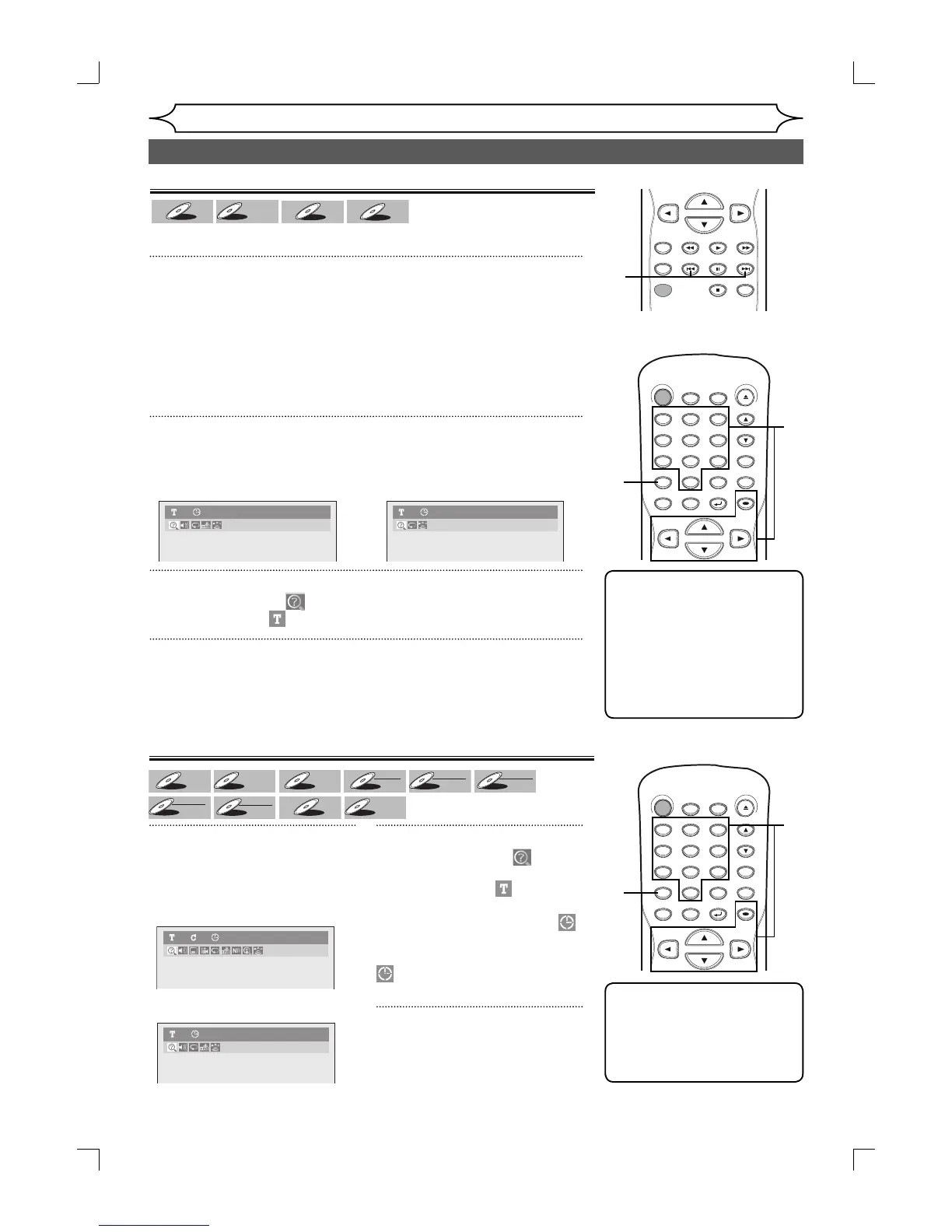
Using [PREV H] / [NEXT G]
1
During playback, press [NEXT G] to skip the current track and
move to the next.
The track will move forward one at a time.
To go back to the beginning of the current track, press [PREV H].
Press it repeatedly to go to the previous track. The track will move
backward one at a time.
Time search
Note
•
Time search function is available
only in the same track or title.
• Time search is not available
when you play the Video CD
with PBC function.
Note
• During CD playback you can
enter a track number directly
using the Number buttons
for track search without
displaying the menu.
• Track search is not available
when you play the Video CD
with PBC function.
MP31 0:00:00Audio CD1 0:00:00
Audio CD1 0:00:00
DVD-Video1 1 0:00:00
Search (cont’d)
DVD-V
Video CD
REC MODE
RAPID PLAY
REC
REV
PREV
PLAY
PAUSE
STOP
FWD
NEXT
CM SKIP
STANDBY-ON
.@/: ABC DEF
GHI
OPEN/CLOSE
ZOOM
TIMER
PROG.
1
PQRS
4
DISPLAY
7
TITLE
JKL
2
TUV
5
SPACE
8
DISC MENU
0
MNO
3
WXYZ
6
CLEAR
9
RETURN
CH
REPEAT
SETUP
OK
2
1
3
1
STANDBY-ON
.@/: ABC DEF
GHI
OPEN/CLOSE
ZOOM
TIMER
PROG.
1
PQRS
4
DISPLAY
7
TITLE
JKL
2
TUV
5
SPACE
8
DISC MENU
0
MNO
3
WXYZ
6
CLEAR
9
RETURN
CH
REPEAT
SETUP
OK
2
1
3
E7A02UD_PY90DG_p38-80.indd 46E7A02UD_PY90DG_p38-80.indd 46 2006/04/24 18:44:522006/04/24 18:44:52


 To Next Page