10
8.6 PAUSING THE DISC
Press the PLAY/PAUSE button.
Press the button again to resume playback.
8.7 Scanning Forward And Backward
During playback, press the PRE or NEXT button. Reverse direction. Forward direction
8.8 RETURNING TO THE PREVIOUS CHAPTER OR TRACK OF
DVDS, VIDEO CDS AND CDS
Press the PRE button during playback.
When pressed, playback returns to the beginning of the previous chapter or track.
8.9 MOVING AHEAD TO THE NEXT CHAPTER OR TRACK OF
DVDS, VIDEO CDS AND CDS.
Press the NEXT button during playback.
When pressed once, playback moves forward to the next chapter or track.
8.10 REMOVING DISCS
1. Press the STOP button.
2. Press EJECT button to open the disc.
3. Remove the disc.
CAUTION:
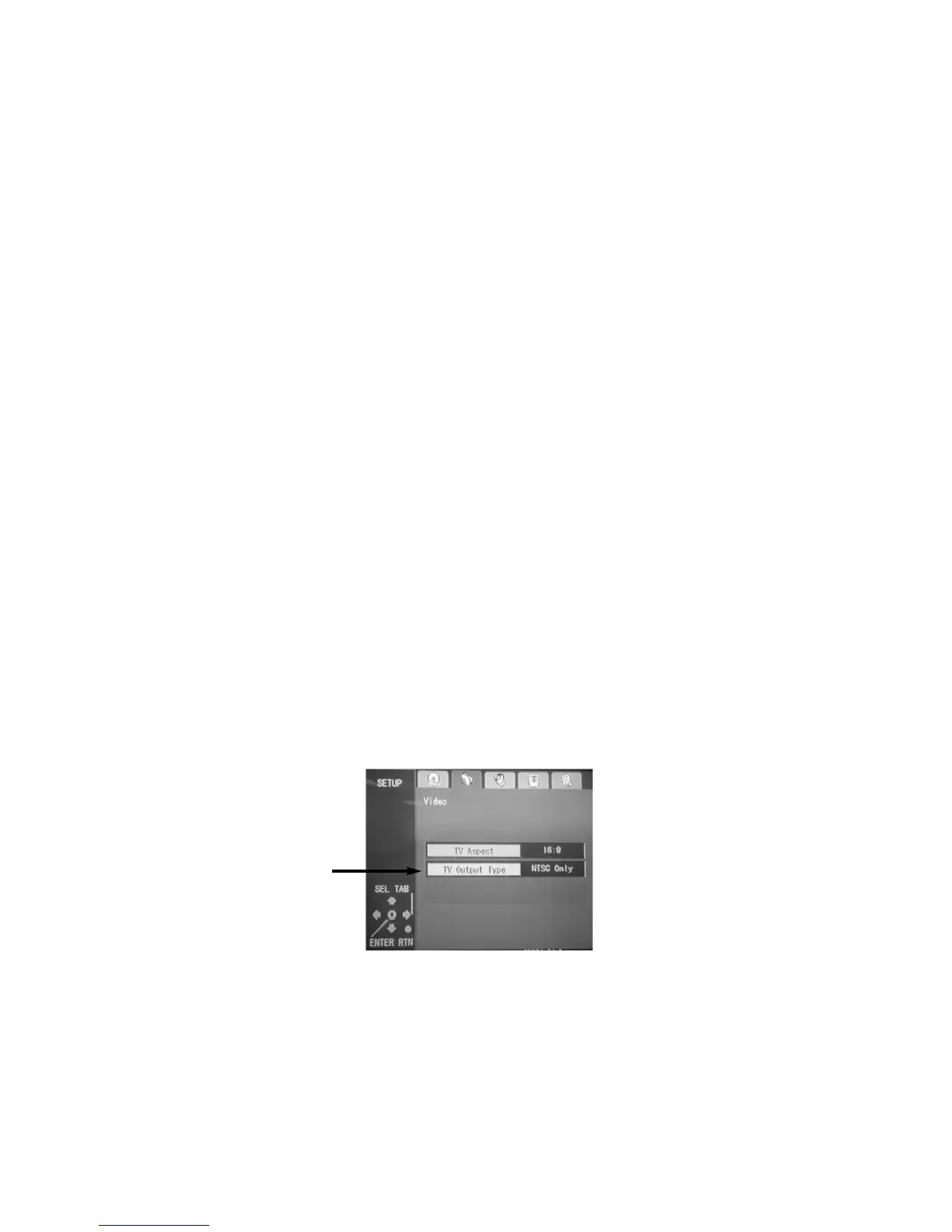
When connecting the player to an external TV monitor, please make sure that (for better audio
and visual performance) you switch/adjust the "TV Output Type" (marked ➔ ) as NTSC
(default setting) or PAL according to local TV system, as the below SETUP MENU shows:
OUTPUT TYPE Setting Menu


 To Next Page