11
9. VARIOUS LANGUAGE AND SUBTITLE SETTINGS
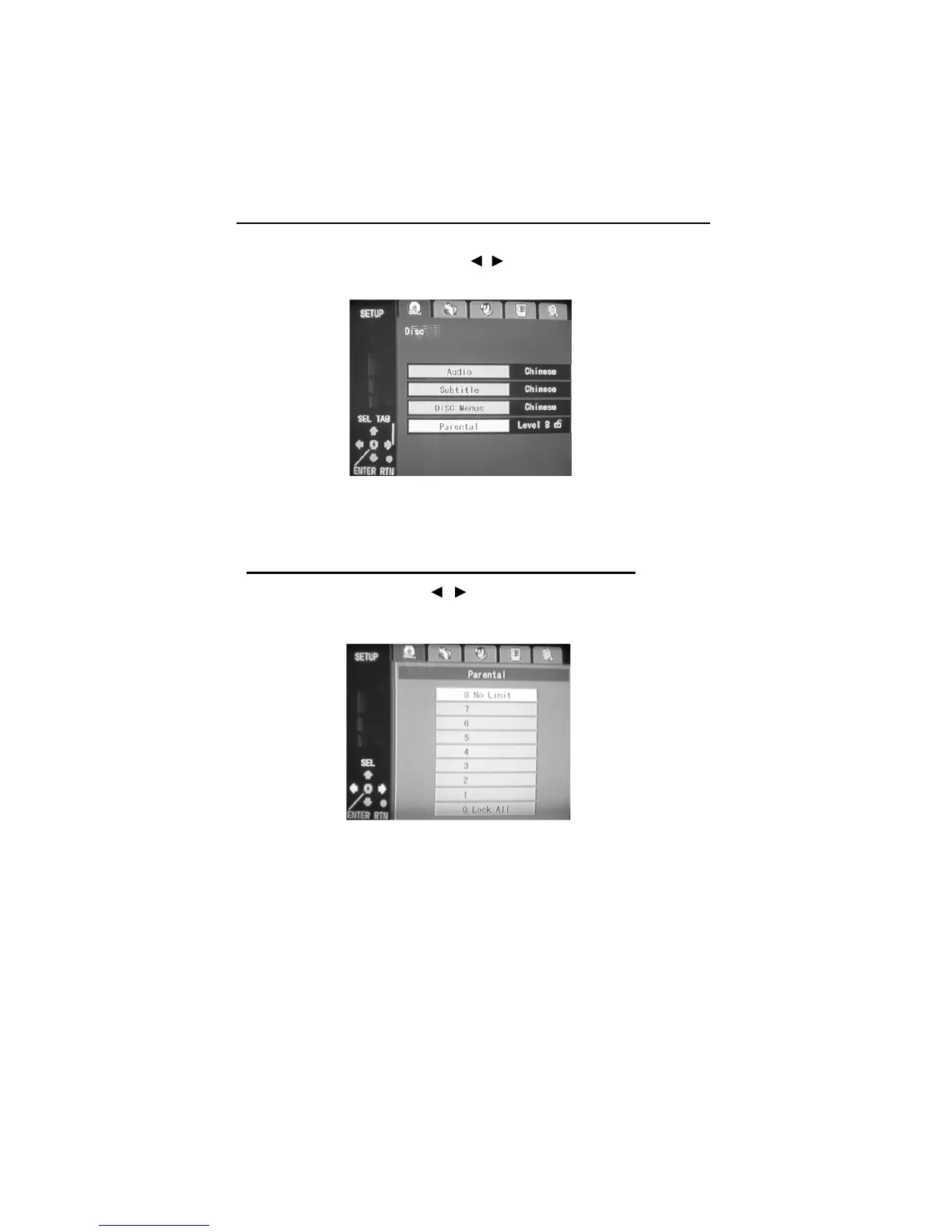
Disc Setting
Select "DISC SETTING" by using the " / " button on the remote control unit, then
press ‘ENTER’ button to enter the DISC SETTING menu.
Disc Setting Menu
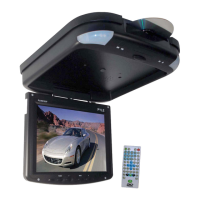
10. SETTING THE P
ARENTAL LOCK LEVEL
Select ‘Parental’ by using " / " button on the remote control unit,
then press ‘ENTER’ to enter the submenu.
Note:
To avoid the possibility of others using the default password to set the parental level
and change the password, you can record this default password in another area and
delete it from this Manual.
Rating Setting Screen


 To Next Page