ww w.PyleUSA.com
7
NOTE:
The USB input is ONLY meant to connect to a USB dash drive (thumb drive).
Connecting a MP3 player or computer directly to the USB ash drive input will result
the unit failing to play audio from those devices.
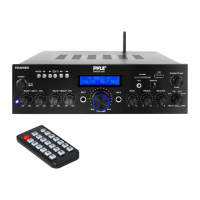
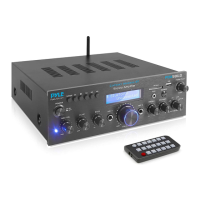
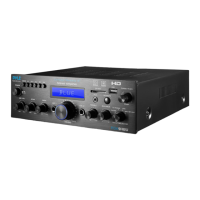
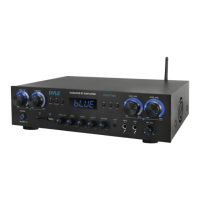
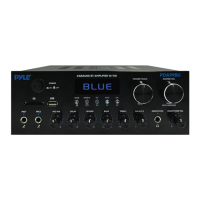
2. USB/SD Card Control Console Display Screen
1. MODE: The display will show "USB" when set to USB mode, "SD" when set to SD
card mode,"BLUE" when set to Wireless BT mode, "87.5 - 108" when set to FM mode.
2. BT: Wireless BT direct selection mode key.
3. : Previous track for USB/SD/BT model or Previous Station for FM model.
4. : This is Play and pause button; in FM mode, press and hold this button to
automatic search FM Station and automatic save Station.
5. : Next track for USB/SD/BT model or next radio Station for FM model.
6. Folder search mode: Press the folder/track knob, "F001" will show on LED display
screen, and rotate the folder/track knob to select a folder.
7. Track search mode: Rotate the folder/track knob or press the previous and next
buttons, the current track number will be showed here.
8. Elapsed time: The elapsed time of the current track will show here.
9. Shows FM frequency of the current station.


 To Next Page