ww w.PyleUSA.com
6
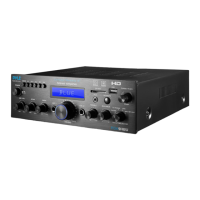
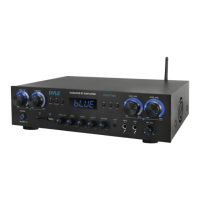
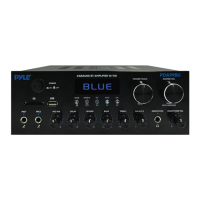
FRONT & BACK PANEL
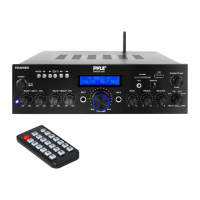
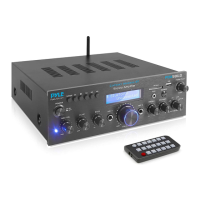
1. USB/SD Card/Wireless BT Control Console
After inserting a USB ash drive/SD Card into the input port, be sure to set the
input selector (14) to USB/SD, then press the mode button to choose between
audio from the USB port, SD Card input, Wireless BT or FM radio. If you want to
use the Wireless BT, check the below steps.
STEPS FOR CONNECTING WITH WIRELESS BT DEVICE
A. Press MODE button or Press BT button and enter into Wireless BT mode.
B. Search for the Wireless BT device and nd the BT name “PYLEUSA or BT”
C. Select the PYLEUSA or BT pairing name and wait for the device to pair.
D. The unit will make a sound conrming that the devices have successfully paired.
E. Once paired you can play music from your Wireless BT device. You can also use the
control buttons on the unit to select the tracks from your Wireless BT device.
F. Use the other controls, play/pause, previous track & next track to play audio from
Wireless BT.


 To Next Page