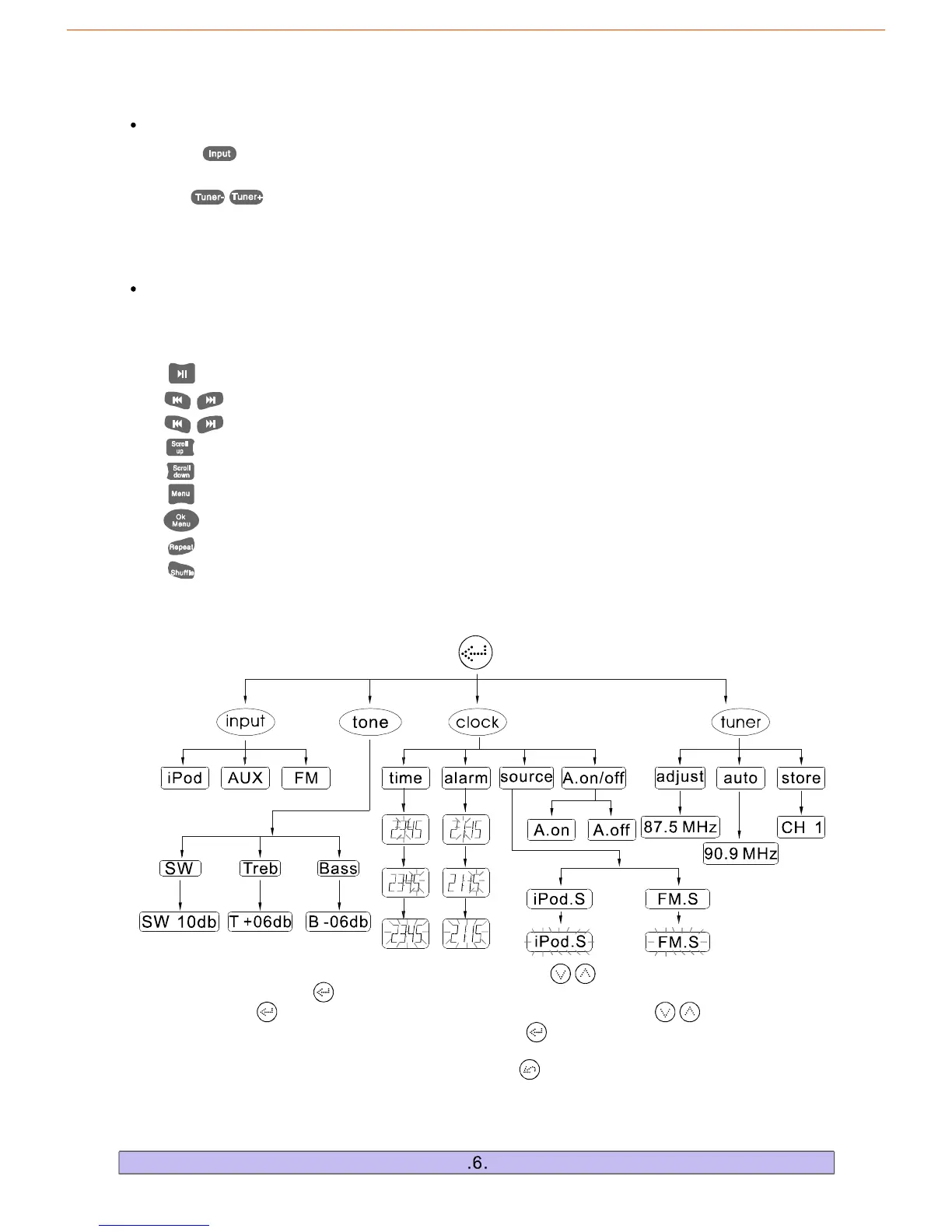
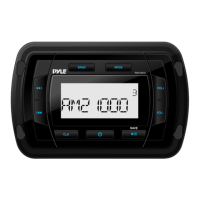
1.Themaininterfaceofthissystemshowstheclock.Touch","keystoincreaseordecreasethe
mastervolume.Touch""keytoenterthefirstlevelsubpage:<input>,<tone>,<tuner>,<clock>.Then
youcantouch""keyagaintoenterthesecondlevelsubpageortouch","keysforthe
switchofdifferententranceoption.Also,youcantouch""keytoenterthethirdlevelsubpageto
choosethefunctionyouneed.
2.Ifyouwanttoreturntotheprevioussubpageusethe""key.Ifnooperationisdone,thesystem
willreturntothemaininterfacein5seconds.
"":ControlstheplayandpausefunctionoftheiPod/iPone/iPadplayer.
",":Pressandholdfor2secondstoFastForwardorFastReverse.
",":ControlstheiPod/iPone/iPadplayertoplaythepreviousorthenextsong.
"":SelectsthepreviousfileoftheiPod/iPone/iPadplayer.
"":SelectsthenextfileoftheiPod/iPone/iPadPlayer.
"":SelectstheiPod/iPone/iPadplayertoreturntotheprevioussubmenu.
"":ControlstheiPod/iPone/iPadplayertoenternextsubmenu.
"":SelectstherepeatmodeontheiPod/iPone/iPad.
"":SelectstherandommodeontheiPod/iPone/iPad.
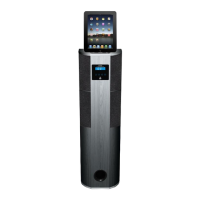
a.PlacetheiPod/iPone/iPadontotheiPodsocketoftheunit.ThesystemwillturntotheiPod
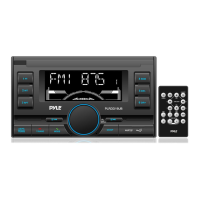
b.Themiddleareaoftheremotecontrol(B)isespeciallydesignedforiPod/iPone/iPadplayer.
""input
modeautomatically.
iPod/iPone/iPadControlArea
a.Press""andselectFMmode,theLCDwilldisplaythelasttunedchannel,forexample:
87.50MHz.
b.Use","toadjustradiofrequency.
c.Thenumberkeys(1-10)areusedtosaveupto10channels.TunetoyourdesiredFMchannel
andholdoneofthenumberkeysfor2secondstoassignthatnumberkeytothatchannel.Anytime
youwanttolistentothesavedchannel,justpressontheassignedkeynumber.
FMControlArea
(2)OperationsofTouchKeyControlSystem


 To Next Page