Preparing the Remote Control
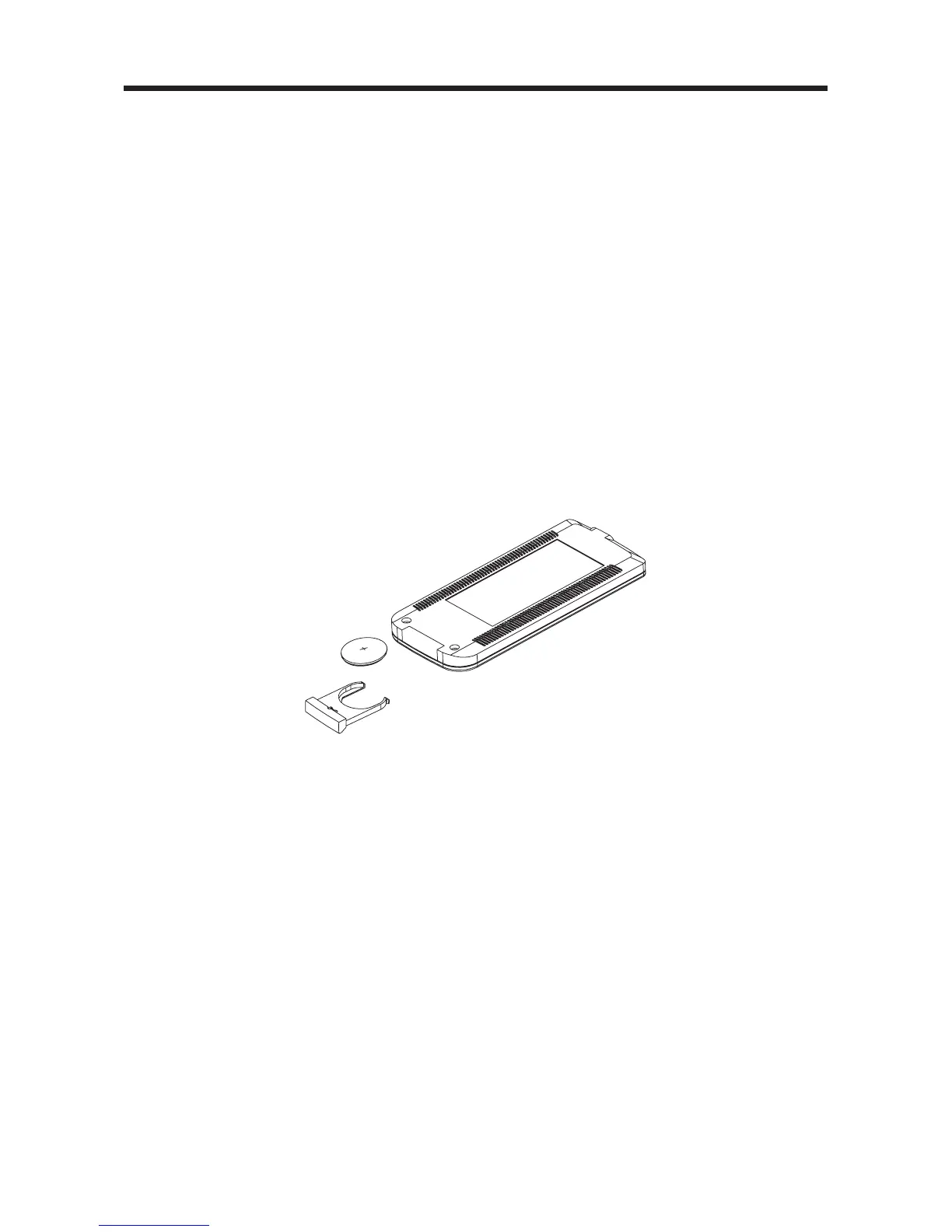
Inserting the Batteries
1. Open the battery compartment cover.
2. Insert the new batteries. Make sure that the positive and negative terminals of the
batteries are oriented indicated.
3. Close the cover.
Using the Remote Control
Face the remote control towards the player front face IR mark (remote control signal
receiver).
Operation angle: About ± 30 degree in each the direction of the front of the IR mark.
To prevent damage to the unit, be sure to follow the connection diagram (page 8).
REMOTE CONTROL
10



 To Next Page