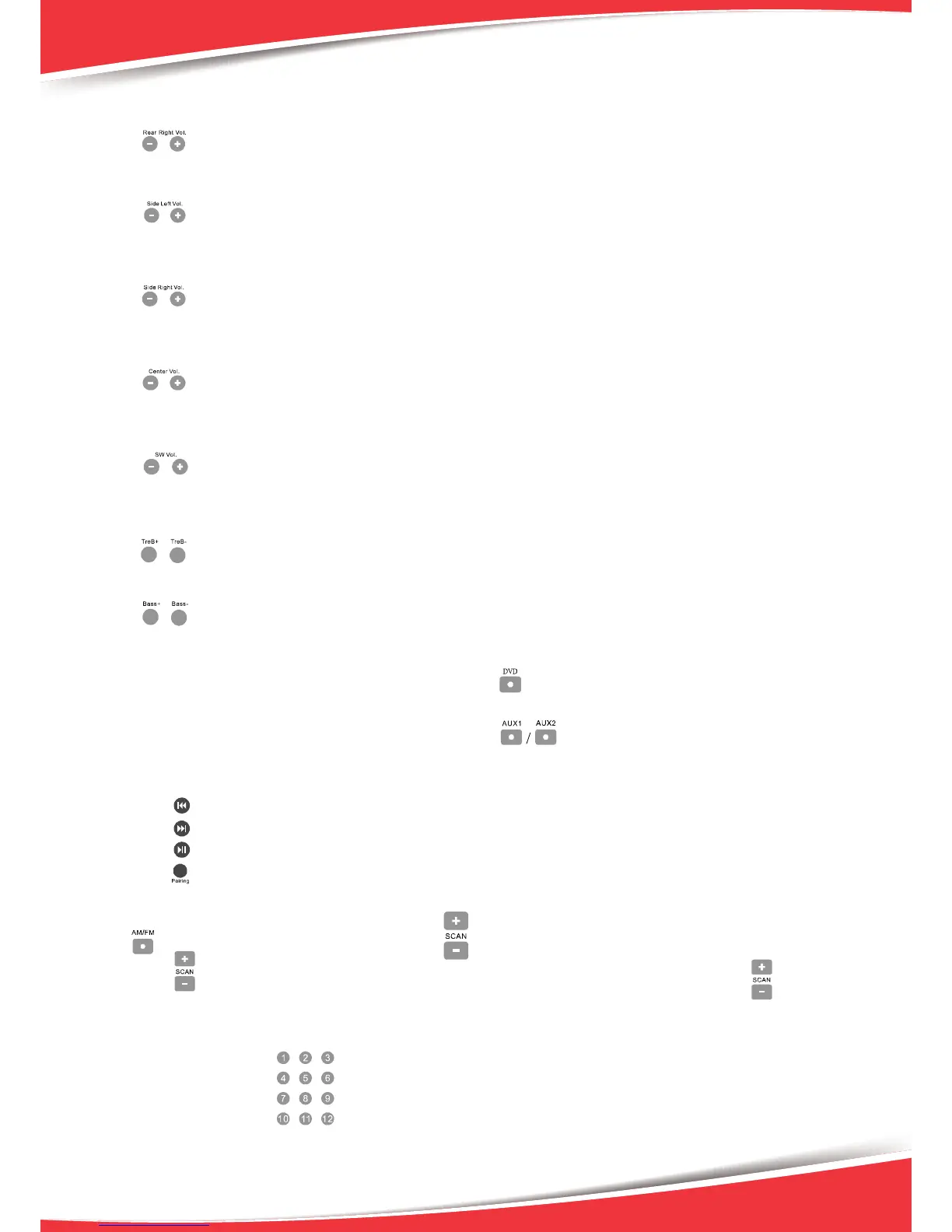
Rear Right Channel Volume Control
Press key on the remote control, screen display the RR volume, press “-ADJUST+” key to adjust
side left channel volume.
Side Left Channel Volume Control
Press key on the remote control, screen display the SL volume, press “-ADJUST+” key to adjust
side left channel volume.
Side Right Channel Volume Control
Press key on the remote control, screen display the SR volume, press “-ADJUST+” key to adjust
side left channel volume.
Center Cha
nnel Volume Control
Press key on the remote control, screen display the CEN volume, press “-ADJUST+” key to adjust
side left channel volume.
Sub-woofer Volume Control
Press key on the remote control, screen display the SW volume, press “-ADJUST+” key to adjust
side left channel volume.
How to Adjust the Treble
Press key to adjust the treble output of the main channel.
How to Adjust Bass
Press key to adjust the bass output of the main channel.
How to Play DVD
Make sure DVD
connection lines are correct, Press the key to play DVD.
How to Play AUX
Make sure DVD connection lines are correct, Press the key to play AUX.
How to Play Bluetooth
Paring with the bluetooth sender as the following manual.
1. play the previous song.
2. play the next song.
3. play/pause the song
4. paring the bluetooth sender.
How to Play Tuner
1. Select Program
Use key to select AM/FM band. Press the key to adjust the band tuner.
Press the key for 2 seconds, the AM/FM will search automatically. You c
an
press the key once
or the input mode selector to stop the function.
2. Listen to the Preset Program
Press the number keys to select the radio program that you already saved. Once selected,
screem will display the radio program’s frequency in the memory area.
6


 To Next Page