www.PyleUSA.com www.PyleUSA.com
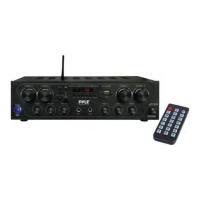
REMOTE CONTROL FUNCTION
1. Power ON Button
2. Play/Pause Button
3. Equalizer Button
4. Repeat Song Button
5. MODE: Menu Control Button
Press to select BT/USB/SD/LINE IN etc audio input
6. MUTE Button
7. Previous Song Button
8. Next Song Button
9. Volume + and Volume - Buttons
10. USB/SD Switch Button
11. Number Buttons for Song Selection
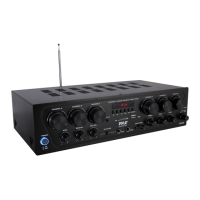
13. Blue LED DIsplay WIndow for MP3/Bluetooth Function
14. Headphone Control
• 3.5mm headphone input jack with independent rotary volume control.
15. Line Input AUX/CD IN
• Connect the MP3 Device (player) sources such as PC (CD ROM),
laptop, walkman, iPod and mobile phone
16. Microphone Talk-Over
• Switch-activated function allows for direct audio integration with
connected microphone (MIC1).
17. AC IN Power Cord
• Connect to AC 110V/60Hz or 220V/50Hz
18. Push Type Speaker L/R Terminals
• Connect the speaker wires directly to the amplier
19. Stereo Subwoofer Output
• Connect to subwoofer system from these terminals
20. Stereo Recording Function Output
21. RCA L/R LINE Input
• Connect to desired LINE input sources.
22. 110V/220V Switch
• According to power voltage, push this button to the 110V or 220V
correct station.
23. Bluetooth Antenna
• Bluetooth receiver
5
6
7
8
9
10
11
1
2
3
4
4 5


 To Next Page