EasyManua.ls Logo

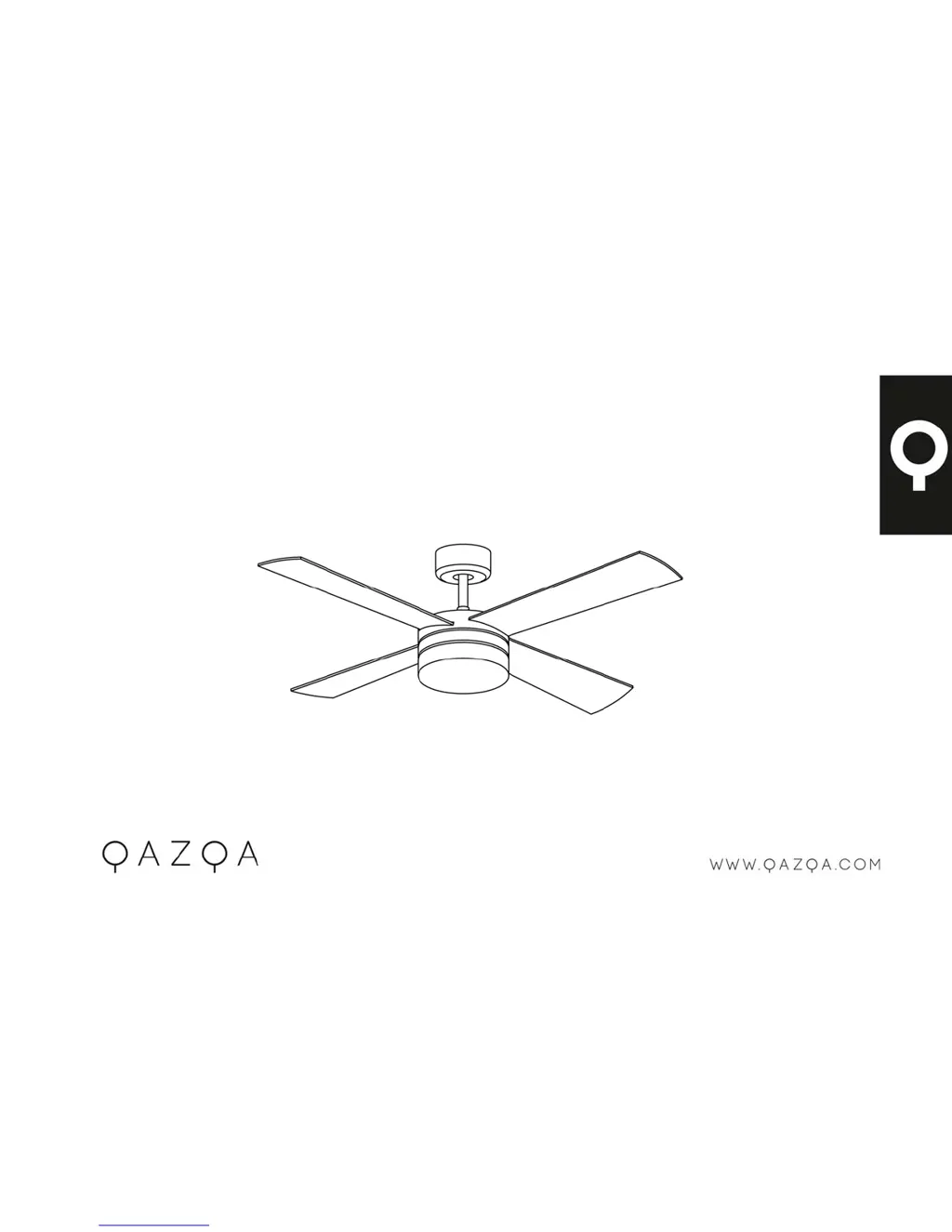
Qazqa 91342 - User Manual

Qazqa 91342
12 pages
Print Icon
To Next Page IconTo Next Page
Loading...
P.1
IN STR UCTION MA NU AL
Breeze Fan 48 Chrome/Breeze Fan 48 W hite
91342/91343

Questions and Answers

  • A
    Angel PalmerAug 1, 2025
    What to do if my Qazqa 91342 will not start?
    • M
      monicaortizAug 2, 2025
      If your Qazqa Fan won't start, there are several potential causes: * A blown fuse or circuit breaker: Check both the main and branch circuit fuses or circuit breakers. * Loose power line connections: Verify the line wire connections to the fan. * Incorrect speed controller position: Ensure the speed controller is in the correct position.
  • B
    Blake AlvaradoAug 10, 2025
    Why is my Qazqa Fan so noisy?
    • F
      fgarrettAug 11, 2025
      If your Qazqa Fan is making noise, consider these potential causes and solutions: 1. The top canopy might be touching the ceiling. Lower the canopy to ensure at least 3 mm of clearance. 2. Fan blade screws might be loose. Re-tighten all screws on the fan blades, but avoid over-tightening. 3. The ceiling fan might not be secured against the ceiling. Re-tighten all screws in the hanging bracket or plate. 4. The speed controller might be incorrect. Change the controller to the one supplied.
  • C
    Christine LopezAug 21, 2025
    How to fix a wobbly Qazqa 91342?
    • I
      ijohnsonAug 21, 2025
      If your Qazqa Fan wobbles, here’s what might be happening: * Fan blades not horizontal to the ceiling: Measure from the ceiling to the tip of each blade. Rotate the fan and check that all blades are at an equal height from the ceiling. Adjust by gently applying pressure up or down on the blade holders if needed. Ensure all screws are securely fastened. * Loose blade screws: Make sure all screws are securely fastened.

Summary

Warning Symbols

Read Instructions Symbol

Symbol indicating the need to read operating instructions.

Caution Symbol

Symbol indicating a caution or warning.

Lamp Symbol

Symbol related to the lamp function.

General Safety Instructions

General Precautions

Electrical Safety

Specific Safety Rules

Environmental Protection

Appliance Specifications

Ceiling Fan Components

Installation Guide

How to Use

Remote Control Operation

Maintenance and Cleaning

Troubleshooting

Fan Not Starting

Addresses issues where the fan fails to operate.

Noisy Fan Operation

Solutions for excessive noise during fan operation.

Mechanical Noise

Explains causes and remedies for mechanical sounds.

Fan Wobbling

Guidance on diagnosing and fixing fan wobble issues.

Dynamic Blade Balancing

Procedure for balancing fan blades to reduce wobble.

Handling Wobble Problems

Blade and Holder Checks

Verifying secure screws, pitch, and alignment of blades/holders.

Blade Tracking Adjustment

Using a yardstick to check and adjust blade alignment relative to the ceiling.

Balancing Kit Procedure

Steps for using a balancing kit to resolve wobble.

Product Care and Service

Qazqa 91342 Specifications

General IconGeneral
BrandQazqa
Model91342
CategoryFan
LanguageEnglish

Related product manuals