QUICK START
Take out headphones
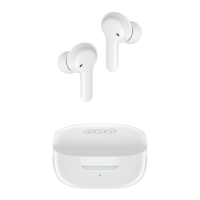
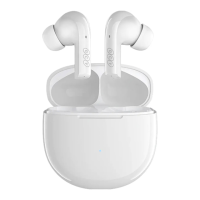
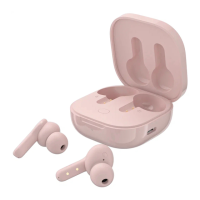
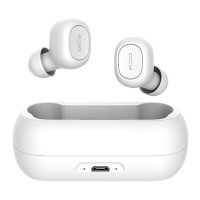
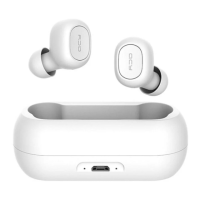
Take both headphones out of the charging case
Switch on the headphones
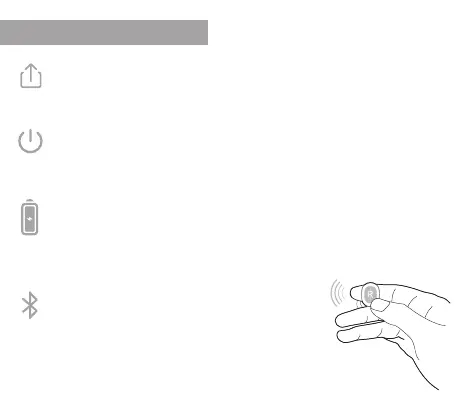
The headphones will turn on automatically. For manual switch
on, press the QCY button on both headphones for 1 sec.
Charging
Make sure that the headphones and the charging case are
suciently charged.
If necessary, use the supplied charging cable.
Connect with your smartphone
All you need to do is to pair the headphones to your
smartphone.
Look for "QCY-T1_R" in your smartphone's Bluetooth
settings. After pairing, the stereo mode is automatically
activated.


 To Next Page