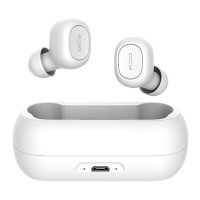
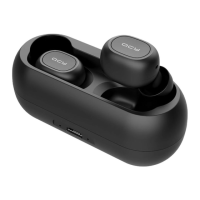
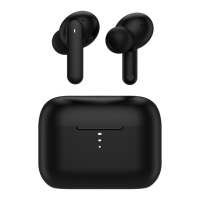
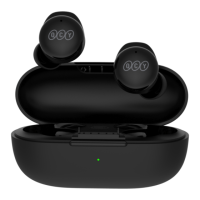
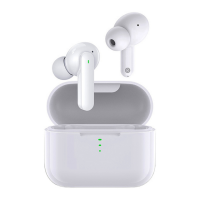
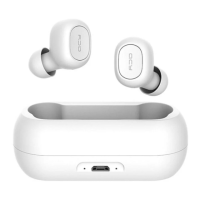
Take the headphones out of the charging case. They turn on automatically and connect with
each other. The right earphone switches into pairing mode as soon as the LED on the left
earphone is extinguished.
Now search in the Bluetooth settings of your smartphone for new Bluetooth devices. You will
nd the right earphone "QCY-T1_R" in the list. Now pair your smartphone to the
headphones.
A Bluetooth connection with the right earphone is sucient. The left earphone automatically
connects.
Mono-Mode
If you only want to use a single headset, please only remove the left earphone from the
charging box. Switch it on by pressing the QCY button. In the Bluetooth settings of your
smartphone, the headset will be displayed as "QCY-T1_L".
After the successful pairing, the headphones are ready. The stereo mode remains interrupted
until you reconnect both headphones.
STEREO MODE


 To Next Page