CONNECT HEADPHONES
First use
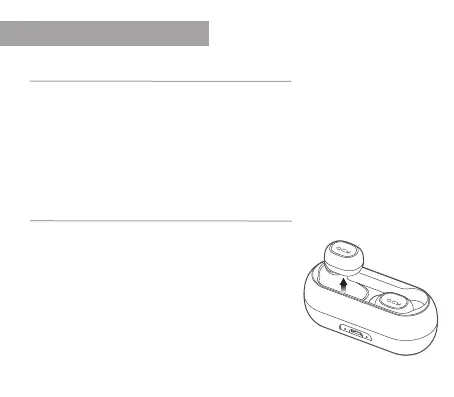
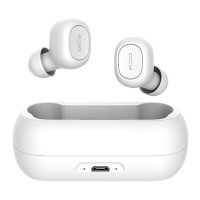
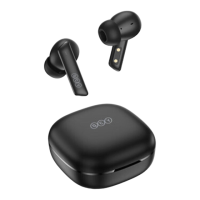
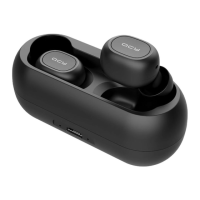
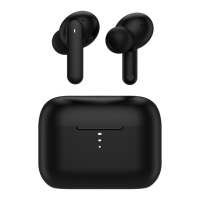
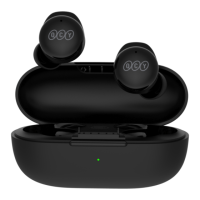
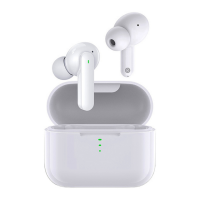
Take both headphones out of the charging case and then put them back directly into the
charging case. Now both headphones are activated and ready to connect to your smartphone.
Note: If, after activation, no red or white LED lights appear on the headphones, please charge
the charging case with the included charging cable.
Insert the headphones correctly
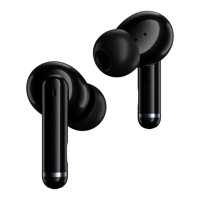
Choose the right size of in-ear attachments. For most, the
average size is the appropriate one.
Place the headphones in your ears so that the QCY logo is
pointing straight down. Then turn the headphones about
45 ° so that the QCY logo is in line with your mouth.


 To Next Page