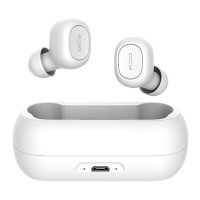
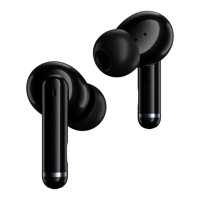
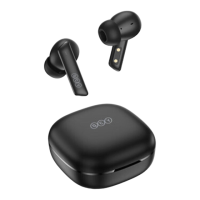
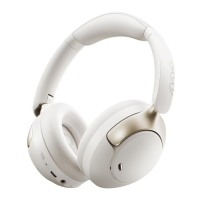
FUNCTIONS
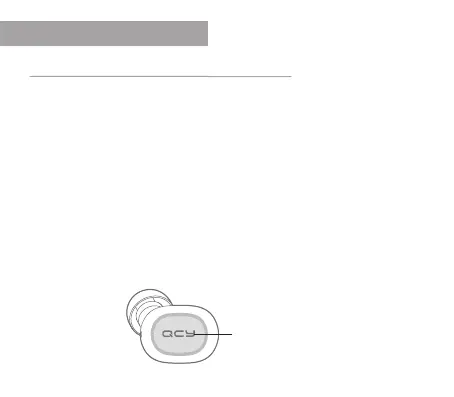
PressandholdtheQCYbutton
Turn on and o
Turn on
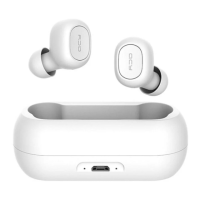
Method 1: If you remove the headphones from the charging case, the headphones will
automatically switch on. The LED briey lights up in white when the headphones are
switched on.
Method 2: Hold down the QCY button for one second. The LED lights up in white as soon as
the headphones are switched on.
Turn o
Hold down the QCY button for 3 seconds (the red LED lights up for two seconds)


 To Next Page