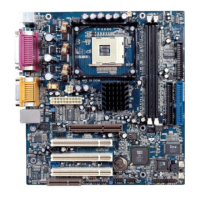
Manual for P6I440BX/BV
P6I440BX/BV
9
SETUP DELLA SCHEDA SPEEDEASY
Procedura di installazione:
1. Inserite il microprocessore Pentium®II/ Intel
®
Celeron
TM
come da istruzioni.
2. Modificate la configurazione del computer e ripristinate il sistema.
3. Premete il tasto <Del> e accendete il computer per entrare nel setup BIOS.
4. Entrate nel menu “SpeedEasy CPU* SETUP” per regolare la velocit… del
microprocessore.
1
Nota: se non regolate la velocità del microprocessore, il sistema funzionerà
con le regolazioni standard (Microprocessore da 200MHz con velocità di
“host bus” da 100MHz e microprocessore da 133MHz con velocità di “host
bus” da 66MHz).
5. Salvate e uscite dal Setup BIOS, e fate ripartire il computer.
*CPU= microprocessore

 Need help?
 General

 To Next Page