3–Installation
Installing a Switch
3-6 59265-02 B
If you are using the XPAK ports, remove the port covers, as shown in Figure 3-2.
Figure 3-2. Removing XPAK Port Covers
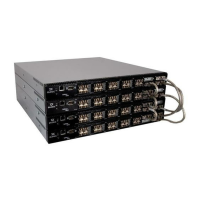
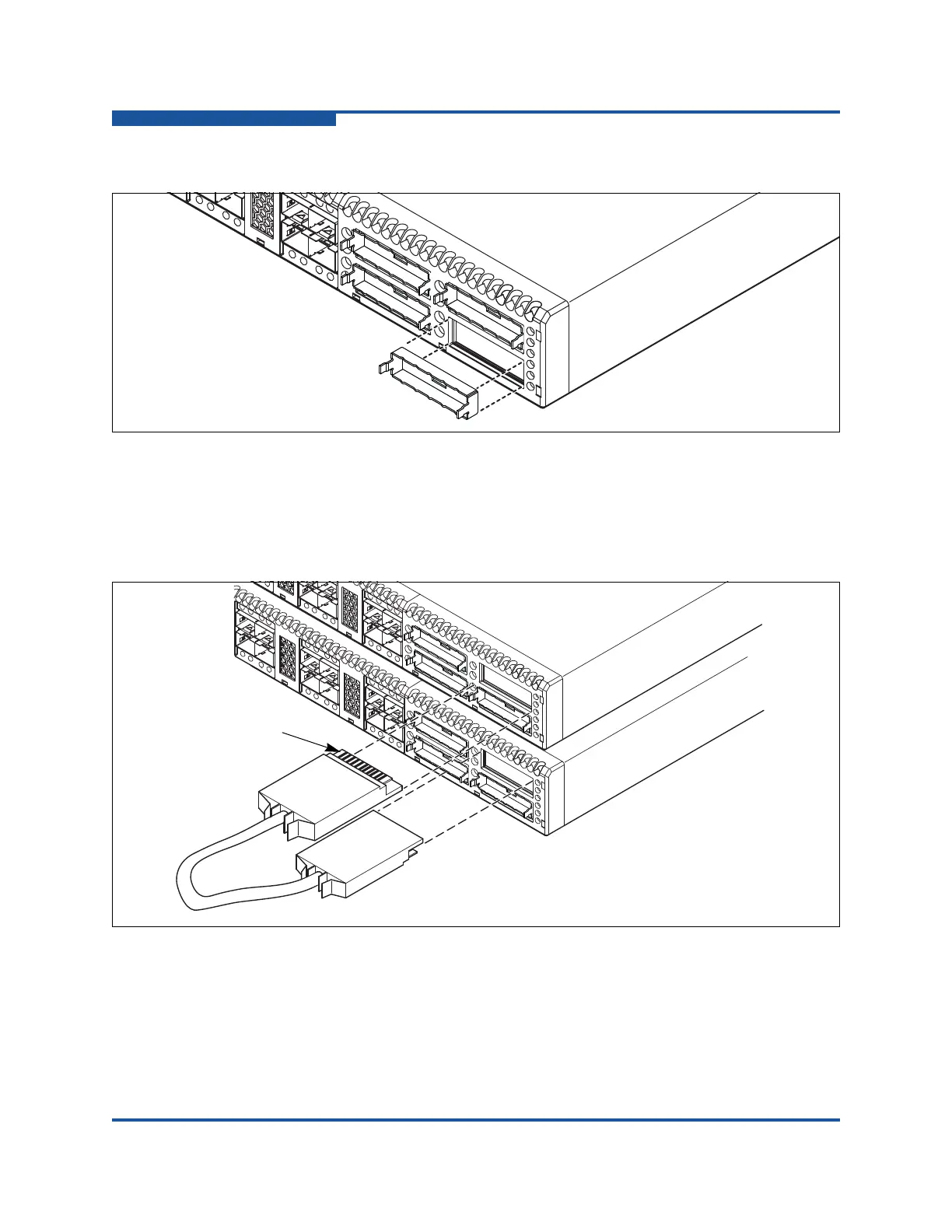
To install XPAK switch stacking cables, position the cable connectors with the
circuit board toward the mid-line of the respective switch faceplates, as shown in
Figure 3-3. When installing the 3-inch XPAK switch stacking cable, insert the
cable connectors into the XPAK ports at the same time.
Figure 3-3. Installing XPAK Switch Stacking Cables


 To Next Page
 Loading...