Moving fan blades: Keep your body parts away from moving fan blades while the device is connected
to a power source.
•
Moving components: Keep your body parts away from other moving components.
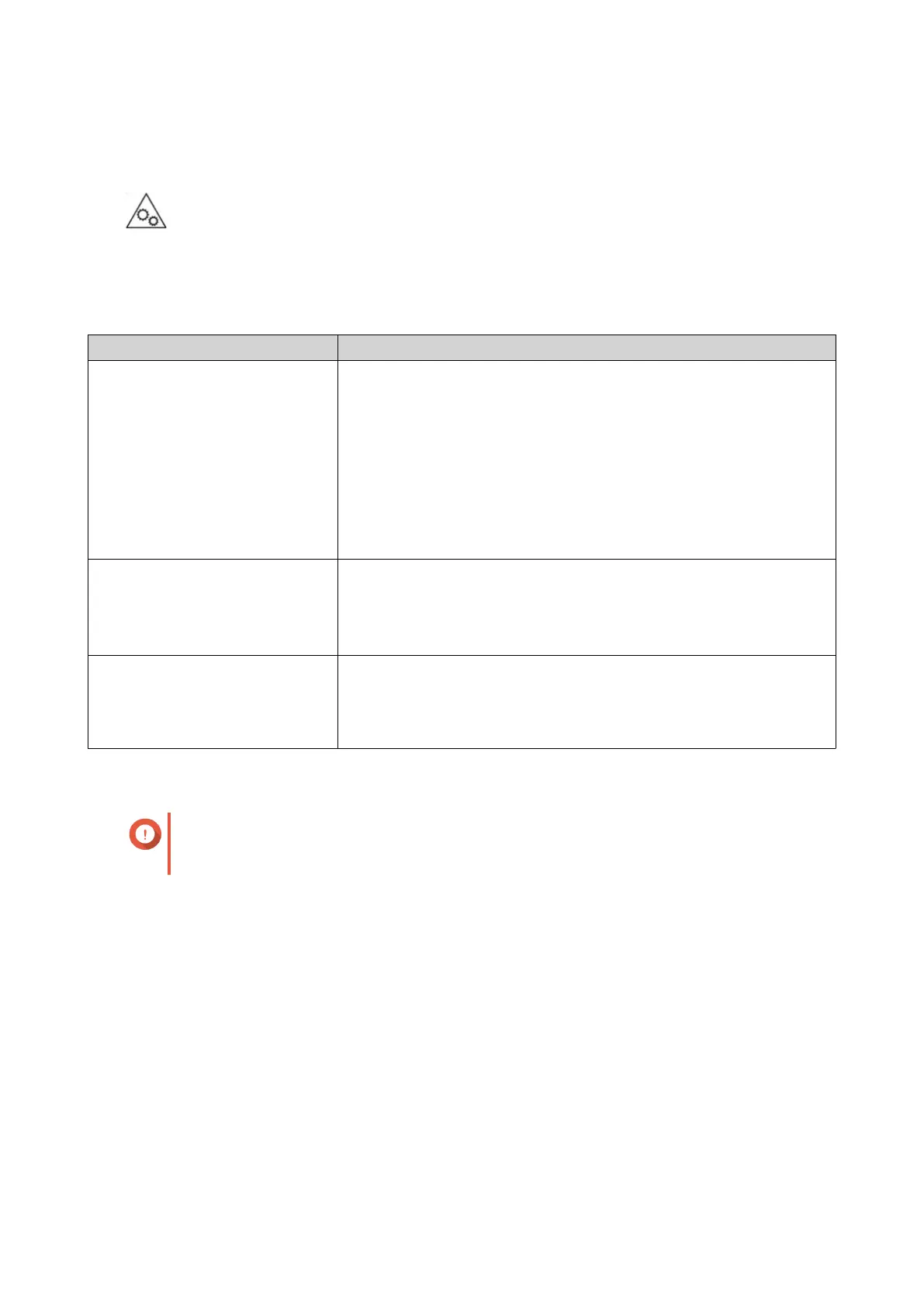
Installation Requirements
Category Item
Environment • Room temperature: 0˚C to 40˚C (32˚F to 104˚F)
• Non-condensing relative humidity: 5% to 95%
• Wet-bulb temperature: 27˚C (80.6˚F)
• Flat, anti-static surface without exposure to direct sunlight, liquids,
or chemicals
• Free from objects that may obstruct NAS ventilation or apply
pressure to the NAS or power cord
Hardware and peripherals • Storage drives
For the list of compatible drive models, go to https://
www.qnap.com/compatibility.
• Network cable
Tools • Phillips #1 or #2 screwdriver
• Flat head screwdriver
• Anti-static wrist strap
Setting Up the NAS
Important
Read all safety requirements and information in Safety Information carefully before setting
up the NAS or installing NAS components.
1. Place your NAS device in an environment that meets the requirements.
For details, see Installation Requirements.
2. Install the drives.
For details, see the following topics:
• Installing 3.5-inch Hard Drives on 3.5-inch Trays
• Installing 2.5-inch Hard Drives or Solid-State Drives on 3.5-inch Trays
For the list of compatible drive models, go to https://www.qnap.com/compatibility.
3. Connect the NAS to the network.
4. Optional: Connect USB expansion units.
For details, see Connecting USB Expansion Units.
TS-x31K User Guide
Product Overview 12


 To Next Page
 Loading...